WordPress vs Wix. If you’re stuck between these two, I get it. One promises a website in an afternoon, the other promises a website you fully control. Both sound good on the box, right?
So let me be straight with you. I’ve used WordPress since 2014, and several of my own eCommerce websites still run on it. I have never run a site on Wix. That means I have a bias, and you should know it. To keep this honest, I went through Wix’s plans page, its feature list and its own help centre, and I’ve quoted what Wix itself says wherever it matters.
Everything below was checked on 27 October 2026, except the WordPress hosting prices, which come from our own hosting comparison, last checked on 26 October 2026.
Wix is the easier start: drag and drop, 2,000+ templates, hosting and updates all included, with paid plans from $17.77 a month (billed yearly, as Wix showed it to visitors from India). WordPress is the better long-term home: it’s free software, runs 39.6% of all websites, has 72,829 free plugins, and you can move it to any host you like. Wix sites can’t leave Wix’s servers, so choose carefully if you’re building something for the long run.
The Tiffin Test
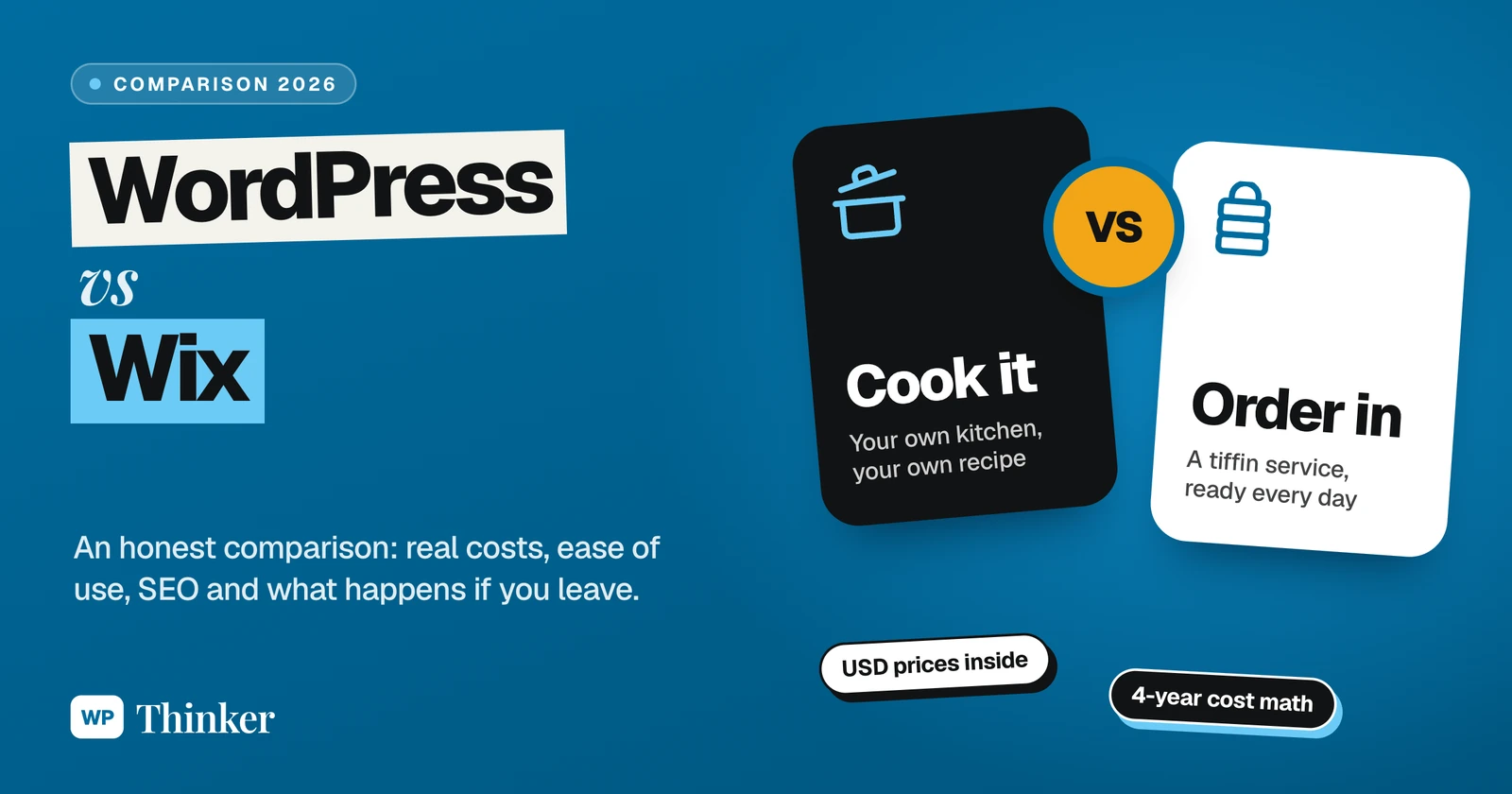
Here’s how I think about WordPress vs Wix. Don’t laugh.
Wix is a tiffin service. Every day, hot food lands at your door. You don’t cook, you don’t shop, you don’t wash a single plate. And honestly, the food is good; they’ll even make it less spicy if you ask nicely. But you eat what’s on the menu, you pay every month, and if you stop paying, the dabba stops coming.
WordPress is your own kitchen.
The kitchen itself is free. You buy the groceries (hosting), you choose every recipe, and you can cook for four people or forty. Yes, you also clean the stove. But nobody can take your kitchen away from you.
So the real question isn’t which one is better. It’s simply this: are you hungry, or do you love cooking? Hold that thought.
WordPress vs Wix at a Glance
| What you care about | WordPress (self-hosted) | Wix |
|---|---|---|
| Getting started | expect a few evenings of learning | one afternoon, drag and drop |
| Money | free software, you pay a host | a free plan with Wix branding, paid plans from $17.77 a month |
| Design choice | 8,784 free themes on WordPress.org, plus premium ones | 2,000+ templates made by Wix |
| Extra features | 72,829 free plugins on WordPress.org | Wix’s own App Market |
| Selling online | WooCommerce, free and fee-less | from the Core plan up |
| If you ever leave | take the whole site to any host | the site has to stay on Wix’s servers |
What WordPress vs Wix Really Costs
Let’s talk money first, because that’s where most people get surprised.
Wix plans
When I opened Wix’s plans page from India, it showed prices in US dollars, billed yearly and paid in full upfront. Wix also says prices and currency vary by location, so yours may differ a little. Here’s what I saw:
- Free: $0. Good for playing around. But your own domain and a site without Wix branding need a Premium plan.
- Light: $17.77 a month, with 2 GB of storage and a free domain for one year.
- Core: $29.77 a month, with 50 GB, and this is where accepting payments and basic eCommerce begin.
- Business: $39.77 a month, with 100 GB and standard eCommerce.
- Business Elite: $159.77 a month, with unlimited storage and advanced eCommerce.
Every paid plan comes with hosting, 24/7 customer care and a 14-day money-back guarantee. Wix says most yearly plans include a free domain for the first year.
WordPress costs
WordPress itself costs nothing. Your main bill is hosting. In our hosting comparison, for example, Hostinger’s Premium plan cost $2.49 a month on a 48-month term, so $119.52 paid upfront, renewing at $10.99 a month after that. It hosts three websites with 20 GB of storage. You can see the full details on our Hostinger page.
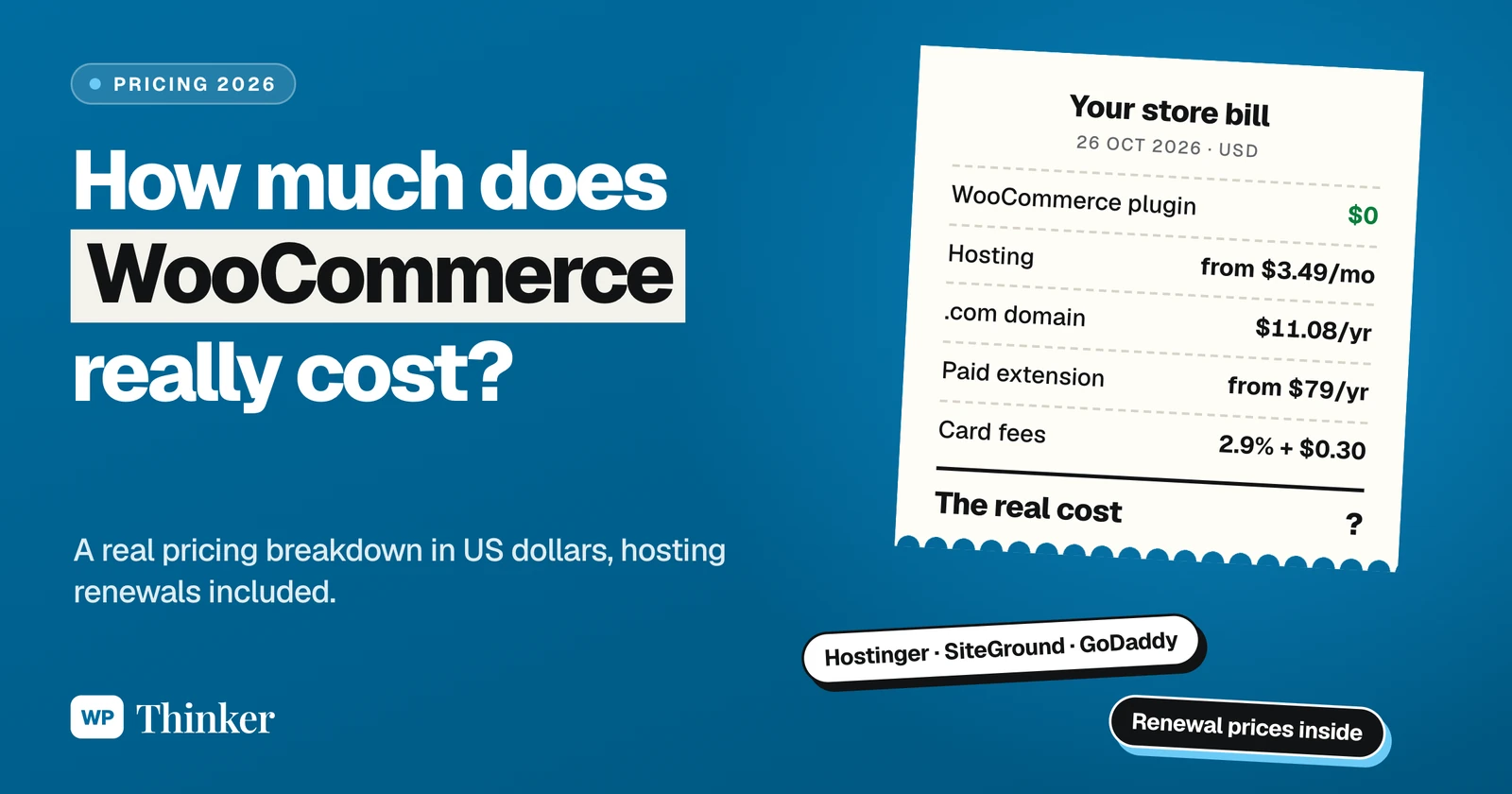
Want the whole picture, including domain, themes, plugins and payment fees? I’ve broken all of that down in how much WooCommerce costs, and the same logic applies to any WordPress site.
The 4-year view
Over 48 months, Wix Light comes to $852.96 if the yearly price stays the same, and Core comes to $1,428.96.
WordPress on that Hostinger plan comes to $119.52 for the same four years.
That’s a gap of $733.44 against Wix Light. Big, no doubt. But be fair to Wix here: its price includes the cooking. With WordPress, somebody has to look after updates, backups and security, either you or a person you pay. And if you buy premium themes or plugins, the bill grows a bit.
Which One Is Easier to Use?
Wix, without any doubt.
You pick one of its 2,000+ templates, drag things where you want them, and change the text and photos right on the page. Wix also lists AI creation tools in all its plans. No server, no installation, no updates, ever. For a first-timer that’s a big comfort.
WordPress takes more learning. You choose a host, install WordPress (most hosts do it in one click now), pick a theme and get used to the block editor. Not difficult, but it isn’t an afternoon either. If you miss Wix’s drag and drop, a good page builder brings it back. Here’s our list of the best page builder plugins.
Design and Templates
Wix templates look polished out of the box, and there are lots of them. For a restaurant, a salon or a portfolio, you can get something lovely up very fast.
WordPress has 8,784 free themes on WordPress.org as I write this, plus thousands of premium ones sold elsewhere. Block themes even let you change headers, footers and full page layouts just by clicking around. Still not happy? Hire a developer and get exactly what’s in your head. Wix gives you a beautiful menu. WordPress gives you the whole kitchen.
Plugins and Apps
This is where the two are farthest apart.
The WordPress.org plugin directory lists 72,829 free plugins today. Bookings, memberships, multilingual sites, online courses, advanced SEO, forms of every kind. There’s a plugin for it, usually more than one.
Wix has its own App Market, and many common needs are already built into its plans, like scheduling and payments on Core and above. The difference is in the edges. If Wix or its App Market doesn’t offer something, you mostly can’t add it. On WordPress you almost always can, though every plugin is one more thing to keep updated.
Selling Online
Both can run a shop. On Wix, accepting payments starts from the Core plan; the Light plan’s feature list doesn’t include it. Business and Business Elite add standard and advanced eCommerce features.
On WordPress you add WooCommerce, which is free and takes no cut of your sales. You pay only your payment gateway. If a store is your goal, read what WooCommerce is and our WooCommerce vs Shopify comparison too.
SEO and Blogging
WordPress began life as a blogging tool, and honestly, you can still feel it. Categories, tags, your own permalink structure, and SEO plugins like Yoast SEO give you control over almost everything Google sees.
Wix covers the SEO basics and has a blog, and plenty of small business sites on Wix do just fine in Google. It simply gives you fewer controls. If your plan is to grow by writing lots of helpful content, I’d go with WordPress.
The usage numbers back that up. According to W3Techs, on 27 October 2026 WordPress ran 39.6% of all websites, a 58.3% share of sites using a known content management system. Wix ran 4.2% of all websites, a 6.2% share.
Can You Move Away From Wix Later?
This is the part I’d think about most before choosing.
Wix’s own help centre says a Wix site needs to be hosted and run on Wix’s servers to work, because its technology doesn’t support outside hosting. It also makes clear that the content you build belongs to you. So you can connect a domain from another provider, but you can’t pack up a Wix site and run it with a different host. To move to WordPress, you rebuild the design and copy your content over. Wix does let you export content from its CMS collections, which helps a little.
With WordPress, your files and database are yours. Unhappy with your host? Move the whole site, design and all, to another one. No permission needed.
Read Wix’s own explanation in its article on exporting or embedding your Wix site elsewhere.
Security, Updates and Support
On Wix, the security, updates and servers are Wix’s job. You get 24/7 customer care on paid plans, and there’s very little for you to maintain.
On WordPress, maintenance is on you and your host: updating WordPress, the theme and plugins, taking backups and adding protection. It isn’t hard, but skipping it is how sites get hacked. Our lists of the best backup plugins and best security plugins cover the tools. Help comes from your host, the plugin makers and a huge community.
My Verdict: WordPress or Wix?
Pick Wix if:
- you want a good-looking site this week and never want to touch hosting or updates
- it’s a small site, like a portfolio, a menu, a salon or a few service pages
- you’re fine paying a yearly fee for someone else to handle the technical side
Pick WordPress if:
- you plan to grow through blogging and SEO
- you want features Wix can’t give you, now or later
- you care about lower running costs and being free to change hosts anytime
My own choice is WordPress, and that’s why it still runs my sites after all these years. But if a friend who hates computers wanted a simple site for their bakery by Sunday, I’d honestly tell them to try Wix first. The tiffin is perfect when you just want to eat.
If you’re also looking at Squarespace, our WordPress vs Squarespace comparison covers that one too.
Your Questions About WordPress vs Wix
Is WordPress better than Wix?
For flexibility, SEO and long-term cost, yes. WordPress has 72,829 free plugins and 8,784 free themes and runs 39.6% of all websites. Wix is better if you want the easiest possible start and no maintenance at all.
Is Wix cheaper than WordPress?
Usually not. Wix Light costs $852.96 over four years at $17.77 a month, while WordPress on Hostinger’s 4-year Premium deal costs $119.52 for the same time. Paid themes, plugins or a developer can add to the WordPress side, though.
Can I move my Wix site to WordPress?
Not directly. Wix says its sites need to run on Wix’s servers, so you rebuild the design on WordPress and move your content over. Your domain can come with you.
Is Wix good for an online store?
For a small shop, sure. Just remember you need at least the Core plan, because that’s where accepting payments begins. Planning something bigger? Then WordPress with WooCommerce gives you more control, and no platform takes a cut.
Is Wix easier than WordPress for beginners?
Yes, no contest. With the drag-and-drop editor and ready-made templates, even someone who has never built a website can finish one in an afternoon. WordPress needs a few evenings of learning, though your host will usually install it for you in one click.
Is WordPress better than Wix for blogging?
Yes. Blogging is what WordPress was made for, and you get proper control over categories, permalinks and SEO plugins. If you only post once in a while, Wix’s blog will do.
Summing Up
So that’s my honest take on WordPress vs Wix for 2026. Wix is the tiffin: easy, tasty, delivered daily, as long as you keep paying and eat what’s on the menu. WordPress is your own kitchen: more work, far more freedom, and it’s yours for good. Pick the one that matches how you like to work, not just how fast you want to start.
That’s all for now. Tiffin or kitchen, what’s your choice? Do let us know in the comment box below.