Starting an online store in 2026 and stuck on WooCommerce vs Shopify? You’re not alone. This is the first big question almost every new store owner asks, and honestly, both answers can be right. It depends on what you sell, how much you want to handle yourself and, if you’re in India, how you collect payments.
Let me be upfront about one thing. I’m a WordPress guy. I started with WordPress back in 2014, and several of my own eCommerce websites still run on WooCommerce today. So yes, I have a soft corner for it. That’s exactly why I tried extra hard to be fair to Shopify here.
For this comparison I went through Shopify’s pricing page line by line, as it showed for India on 26 October 2026. I also checked Razorpay’s current gateway pricing and ran WooCommerce 11.2.1 on a fresh test install with WordPress 7.1.3. Every price below comes from those pages, not from memory.
Honestly? WooCommerce vs Shopify is owning versus renting. If you want your store live this week and never want to hear the word “hosting”, go for Shopify. WooCommerce is better if you want lower running costs, full control and strong content for SEO. Indian stores have one more thing to weigh: Shopify Payments isn’t available in India, so Shopify adds its own fee (2% on the Basic plan) on top of your gateway’s fee.
The Mall-or-Main-Road Test
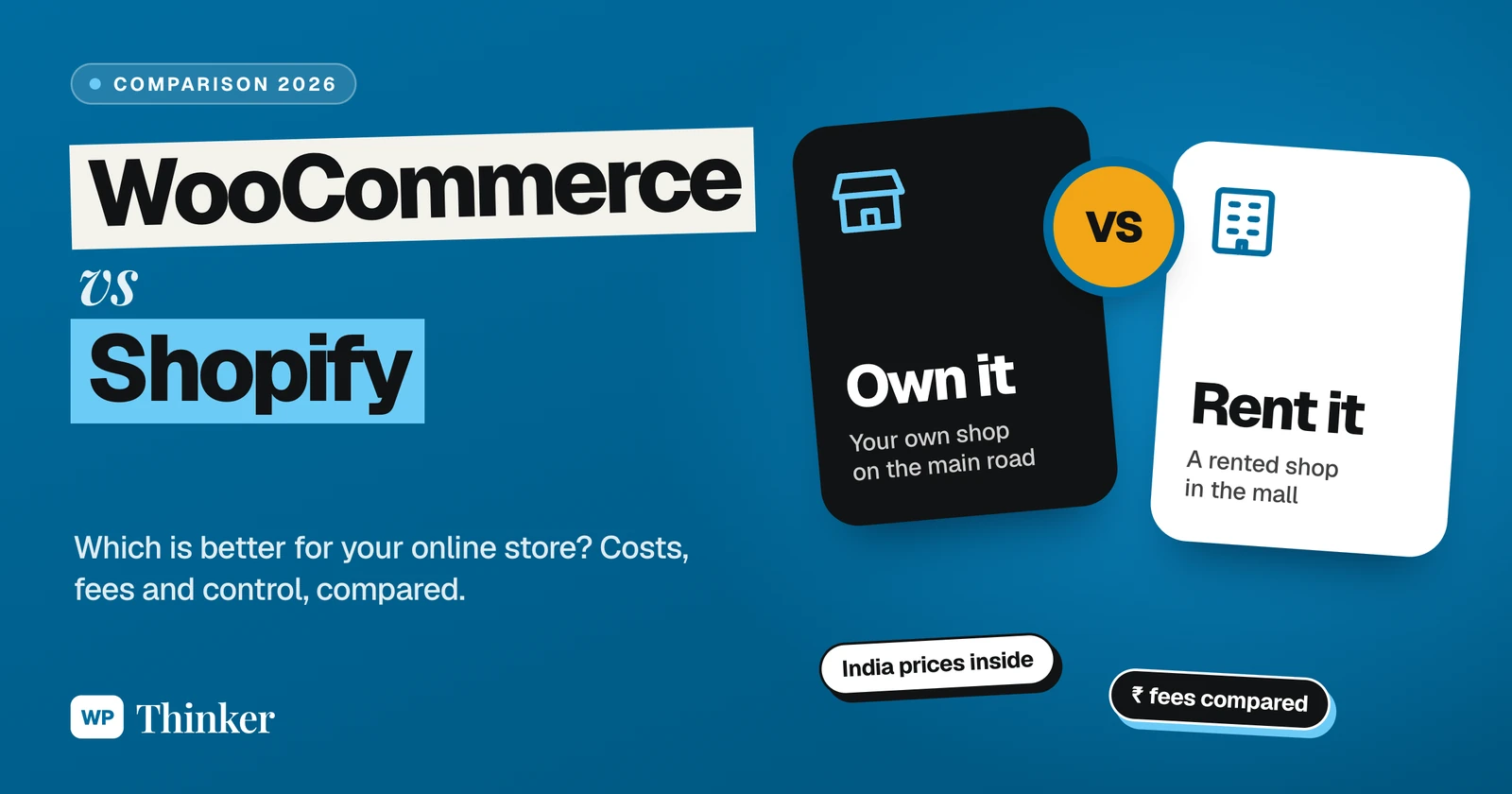
Here’s the simplest way I can put it. Shopify is like renting a shop inside a big mall. The building, the guard at the gate, the power backup, the cleaning, everything is taken care of. You just bring your products and open the shutter. But you pay rent every month, the mall takes a small cut of your billing, and you follow the mall’s rules.
WooCommerce is your own shop on the main road.
The land costs nothing (the plugin is free and open source), but the upkeep is yours. You choose the builder, you fix the leaking tap, you lock up at night. But the good part is, no one takes a share from your billing, and no one walks in to tell you which shelf goes where.
Coming to the matter, before you compare a single feature, just ask yourself: am I happy running only the shop, or am I okay looking after the building too? Hold on to that answer. Whatever you read below is nothing but this same test, done on money, design, payments and SEO.
WooCommerce vs Shopify in One Table
| What you’re checking | WooCommerce | Shopify |
|---|---|---|
| Money to get going | the plugin is free, you pay for hosting | from ₹1,499 a month on Basic, paid yearly |
| Hosting and security | your job, or your host’s | Shopify handles it |
| Platform fee on every sale in India | nothing | 2% on Basic when you use Razorpay or any other gateway |
| Design freedom | you can change almost anything | lovely themes, but inside Shopify’s fence |
| Add-ons | 72,000+ free plugins on WordPress.org, not all for stores | the Shopify App Store, free and paid apps |
| Blogging | this is what WordPress was born for | a simple blog that gets the job done |
| Help at 2 a.m. | forums, your host, or whoever made the plugin | Shopify’s own team, 24/7, on every plan |
The Money Part: What Will You Actually Pay?
Short answer? WooCommerce costs less money to run for most small stores. Shopify costs less of your time. Now the long answer, with real numbers.
Shopify plans in India (October 2026)
According to Shopify’s pricing page for India, these are the four main plans. The second price is what you pay per month if you take the yearly plan.
- Basic: ₹1,994 a month, or ₹1,499 billed yearly. A 2% fee when you use a third-party payment provider.
- Grow: ₹7,447 a month, or ₹5,599 billed yearly. The fee drops to 1%.
- Advanced: ₹30,164 a month, or ₹22,680 billed yearly. 0.6% fee.
- Plus: starts at ₹175,000 a month, with a 0.2% fee.
New stores get 3 days free, and after that it’s ₹20 a month for the first 3 months. Hosting, SSL and the checkout are all part of the plan. Apps and premium themes cost extra.
What WooCommerce costs
WooCommerce itself is free of cost. Its WordPress.org page shows 7 million+ active installations and a 4.5 out of 5 rating from 4,830 reviews, so it’s hardly a small experiment. What you do pay for is hosting, and maybe a premium theme or a paid extension if you really need one. You need a domain on both platforms, so I’m leaving that out.
A worked example: a store selling ₹1 lakh a month
Numbers make this clear, so let’s take a small store with ₹1,00,000 in online sales every month. Here are my assumptions:
- every rupee comes through Razorpay at its standard 2% (plus GST on that fee, which is the same on both sides)
- Shopify on the Basic plan, paid yearly
- WooCommerce on hosting that costs ₹800 a month (just an example, your host may cost more or less)
- no paid apps or plugins on either side
On Shopify you pay ₹1,499 for the plan, ₹2,000 to Razorpay and another ₹2,000 to Shopify as the third-party fee. That’s ₹5,499 a month.
On WooCommerce it’s ₹800 for hosting and ₹2,000 to Razorpay. Total, ₹2,800.
The gap is ₹2,699 every month, a little over ₹32,000 a year. That’s real money for a small business. But it isn’t free money either, because on WooCommerce you (or someone you pay) look after updates, backups and security. If your time is worth more than ₹2,700 a month, Shopify may still be the smarter deal.
There’s one more thing I noticed while doing this math. Above roughly ₹4.1 lakh in monthly sales, Shopify’s Grow plan actually works out cheaper than Basic for an Indian store, only because the fee drops from 2% to 1%. And what about UPI? Razorpay says it charges nothing on standard bank-to-bank UPI payments. That lowers your gateway bill on both platforms. Shopify’s pricing page, though, ties its own fee to your plan, not to your gateway, so a cheaper gateway doesn’t make that fee go away.
Which One Is Easier to Set Up?
Shopify wins this one, hands down.
Sign up, choose a theme, add products, connect a gateway, and that’s it. A working store in one evening is very much possible, and you never touch a server or install anything. If you’ve never made a website before, trust me, that’s a big relief.
With WooCommerce there’s a bit more homework. First hosting, then WordPress, then the plugin, and only then the setup wizard. When I installed WooCommerce 11.2.1 on my test site, it activated cleanly, no errors at all, and the first thing the wizard wanted was my store details. It isn’t hard, it’s just more steps, and each step is one more place where a beginner can get confused. If you go this way, follow our step-by-step WooCommerce store setup guide and you’ll be fine.
Design, Themes and Add-ons
Shopify’s theme store has some really polished themes, both free and paid. You can change colours, fonts and sections in its editor without any code. Want something deeper? Then you’ll be editing Liquid (that’s Shopify’s own template language), and that’s usually the point where store owners pick up the phone and call a developer.
WooCommerce, on the other hand, is happy with almost any WordPress theme, even the new block themes. A fully custom product page? A weird checkout flow? A separate price list for wholesale buyers? All possible, believe me. When I checked today, the WordPress.org plugin directory had 72,758 plugins, and lots of them are built for stores. For a shortlist, our list of the best WooCommerce plugins to boost sales is where I’d begin.
Of course, more freedom also means more ways to mess things up. A badly coded plugin can slow your whole store down. On Shopify, the fence that limits you also protects you.
Payments in India: The Part Most Comparisons Skip
This is where Indian store owners should slow down. Shopify’s own list of countries where Shopify Payments works doesn’t include India (I checked it on 26 October 2026). So an Indian Shopify store has to use a third-party provider like Razorpay. And that’s exactly when Shopify adds its fee: 2% on Basic, 1% on Grow, 0.6% on Advanced and 0.2% on Plus, going by its pricing page.
WooCommerce doesn’t take any cut from your sales. You install a gateway plugin, connect your account, and only the gateway charges you. For Razorpay there’s an official plugin called Razorpay for WooCommerce, running on 100,000+ stores. One small warning from my side: its WordPress.org rating isn’t great, so place a full test order, try a failed payment and do one refund on a staging copy before you go live.
Razorpay’s pricing page lists 2% + GST per transaction, with no setup fee and no annual maintenance charge. Simple enough. Just remember, on Shopify Basic you’re effectively paying about 4% on every card order, not 2%.
SEO and Blogging: Where WordPress Still Shines
Don’t forget, WordPress was born as a blogging tool. You get categories, tags, long guides, your own permalink structure and SEO plugins like Yoast SEO, so you can tweak almost everything Google looks at. If you plan to bring buyers in through Google with helpful articles, buying guides and comparisons (like this one), WooCommerce has a clear edge.
Shopify isn’t bad at SEO. It handles the basics well, like page titles, meta descriptions and an automatic sitemap, and it does have a blog. It just isn’t built around content the way WordPress is. Stores that grow mainly through Instagram, ads or marketplaces may never feel that gap at all.
Who Looks After Speed, Security and Updates?
On Shopify, the answer is Shopify. Servers, traffic spikes during a sale, security patches, the checkout itself, all handled. You never see an “update available” notice.
On WooCommerce, it’s you and your host. You’ll update WordPress, the theme and plugins, take regular backups and add some protection. None of this is difficult, but skipping it is how stores get hacked. Our lists of the best backup plugins and best security plugins cover the tools. Good hosting matters here more than anything else.
Can You Switch Later?
Yes, in both directions. You can export products, customers and orders as CSV files, and WooCommerce even comes with its own product importer. Moving a full store still takes care: product links change, so set up 301 redirects, and customers usually have to reset their passwords after a move. It’s a weekend job for a small store, and a proper project for a big one.
Ownership is the bigger point here. With WooCommerce, the code is open source and your data sits on your own server. With Shopify, you’re a tenant. Yes, a good tenant in a well-run mall. But a tenant all the same.
My Verdict: WooCommerce or Shopify?
Go with Shopify if:
- you want to start selling this week, without learning hosting
- nobody in your team enjoys technical work
- most of your sales will come from Instagram, ads or WhatsApp
- a fixed monthly bill plus a fee per sale feels fine to you
Go with WooCommerce if:
- you already have a WordPress site or blog
- you want the lowest running cost, especially with Indian gateways
- you plan to grow through Google with content
- you want to own the store, code and data included
My own pick is still WooCommerce, and that’s why my stores run on it. But if a friend with zero interest in tech asked me to get a small store live by Sunday, I might just point them to Shopify. Both are good tools. They simply suit different people.
Your Questions About WooCommerce vs Shopify
Is WooCommerce cheaper than Shopify?
In most cases, yes. WooCommerce is free and charges no fee per sale, so your main costs are hosting and the gateway. In my ₹1 lakh a month example, WooCommerce came to about ₹2,800 a month against ₹5,499 on Shopify Basic. Paid plugins and developer time can close that gap, though.
Does Shopify charge transaction fees in India?
Yes, when you use a third-party payment provider, and Indian stores have to, because Shopify Payments isn’t offered in India. The fee is 2% on Basic, 1% on Grow, 0.6% on Advanced and 0.2% on Plus, on top of what your gateway charges.
Is Shopify easier than WooCommerce for beginners?
Yes, Shopify is easier. Since it looks after hosting, security and updates for you, even a first-timer can sign up after dinner and see the store live before bedtime. With WooCommerce you first need hosting and WordPress, so there’s a little more to learn.
Which is better for SEO, WooCommerce or Shopify?
If you want to grow with content, WooCommerce is better. On WordPress you fully control posts, permalinks and SEO plugins. Shopify does the basics properly though, and stores that live on ads or social media will be just fine with it.
Can I move my store from Shopify to WooCommerce?
Yes, you can. Export products, customers and orders from Shopify as CSV files, bring them into WooCommerce, and add 301 redirects so the old product links still work. Do warn your customers that they’ll probably need to reset their passwords.
Summing Up
So that’s my honest take on WooCommerce vs Shopify in 2026. Shopify is the rented shop in the mall, easy and looked after, with rent and a cut of your sales. WooCommerce is your own shop on the main road, cheaper to run and fully yours, with the upkeep on your head. Indian stores should run the payment math before deciding, because that 2% adds up fast. Still new to all this? Read what WooCommerce is first.
That’s all for now. Which side are you on, the mall or the main road? Do let us know in the comment box below.