So you've decided to start a blog. Nice! And now you're stuck on the old WordPress vs Blogger question, right? Don't worry, almost everybody gets stuck here. One is free and comes from Google. The other is also free, and yet somehow you end up paying a hosting company every year. Funny, no?
Before we start, a small confession. I've used WordPress since 2014, and several of my own eCommerce websites still run on it, so you know which way I lean. I have never run a blog on Blogger. To be fair to it, I went through Blogger's own help centre, its settings and its limits, and checked the usage numbers on W3Techs. Everything in this article was checked on 27 October 2026.
If you just want to write, today, without spending a rupee, and you're okay with Google holding the keys, go with Blogger. If you see this blog turning into something bigger one day (a brand, an income, maybe even a store), go with WordPress. Yes, WordPress costs money. Hosting began at $2.49 a month on a 4-year term when we checked. Blogger costs nothing.
The Gully Cricket Test
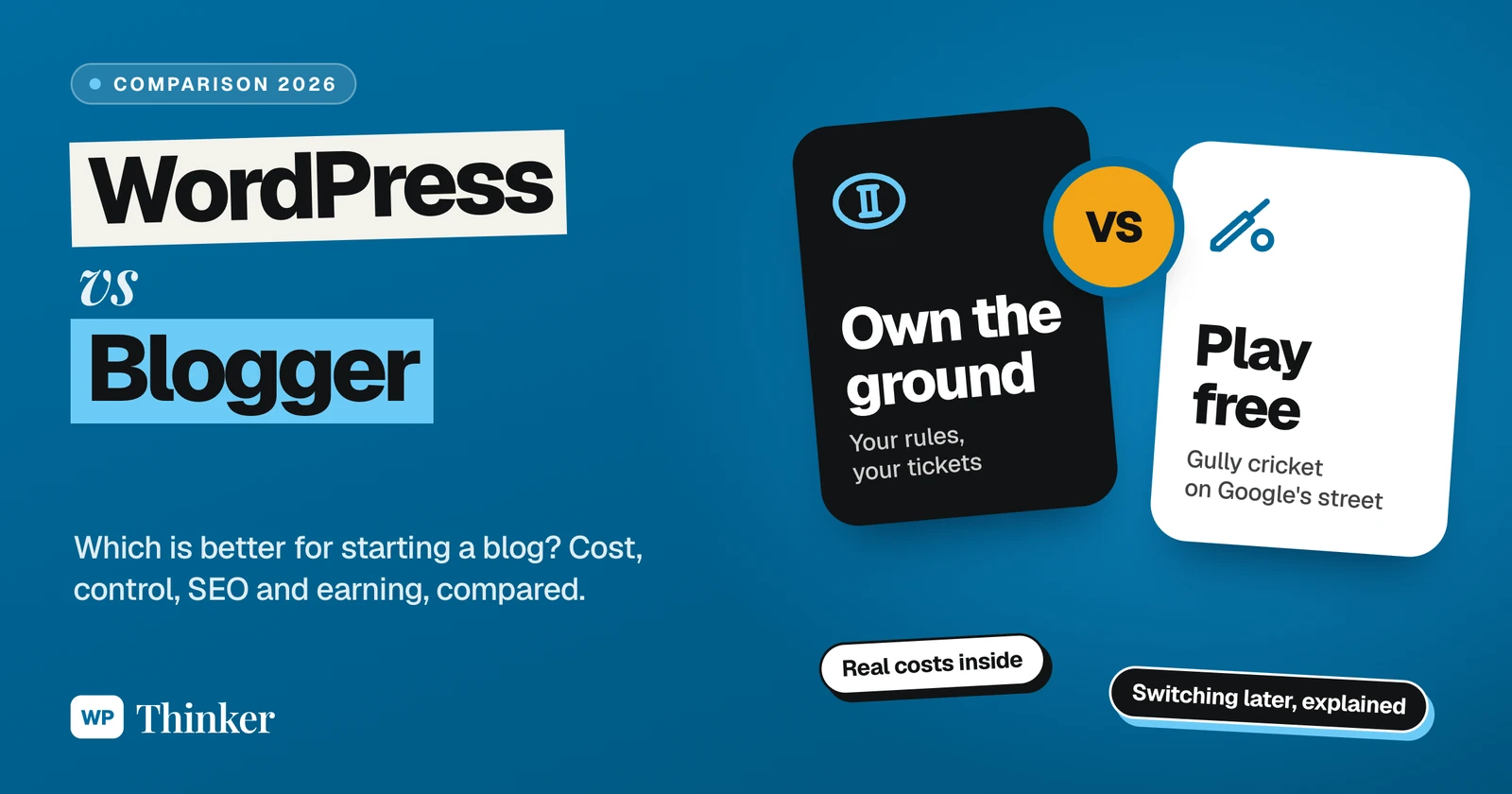
If you grew up in India, you know gully cricket. Two bricks for stumps, a tennis ball, and the game starts in five minutes. Nobody pays anything. But it's not your ground. A car parks on the pitch, the neighbour takes the ball back, and the game is over.
Blogger is gully cricket. You sign in with your Google account, pick a theme, and you're writing in minutes, for free. The ground belongs to Google, though, and so do the rules.
WordPress is booking your own turf. It costs money. You draw the crease yourself and, yes, you also clean up after the match. But then it's your ground. Put up stands, sell tickets, call whoever you want to play. And nobody walks off with the ball.
Hold on to this picture for a while, because almost every difference below comes back to it.
First, What Exactly Are We Comparing?
Blogger is nothing but Google's free blogging service. Your posts sit on Google's servers, at an address like yourname.blogspot.com, and if you buy a domain later, you can point it there. Install? Updates? Not your problem.
WordPress, in this article, means WordPress.org: free, open-source software that you install on web hosting you pay for. It isn't only for blogs. Online stores, membership sites and company websites run on it too. (WordPress.com is a different, hosted service. If that part confuses you, our guide on what WordPress is clears it up.)
How big is each one? According to W3Techs, WordPress runs 39.6% of all websites. W3Techs doesn't even list Blogger on its own any more. It sits inside "Google Systems", which runs 0.5% of websites, and Blogger makes up 61.5% of that group. That works out to roughly 0.3% of the web.
WordPress vs Blogger at a Glance
| What you care about | WordPress | Blogger |
|---|---|---|
| Price | Free software, paid hosting | Free |
| Getting started | An evening of setup | Five minutes |
| Your address | Your own domain | blogspot.com, or your domain on www |
| Design | 8,784 free themes, plus page builders | A handful of built-in themes |
| Extra features | 72,829 free plugins | Gadgets only, no plugins |
| Earning money | Ads, affiliates, a store, memberships | Mostly AdSense |
| Who's in charge | You |
The theme and plugin counts are from WordPress.org on 27 October 2026.
How Much Does WordPress vs Blogger Cost?
Coming to the money, Blogger wins on day one, no contest. It's free. The blogspot.com address is free, the HTTPS certificate is free, and Google pays for the servers. If you want your own domain, you pay only for the domain, wherever you buy it.
WordPress itself is free too, but it needs somewhere to live. Taking Hostinger's Premium plan from our hosting comparison as the example, checked on 26 October 2026:
- $2.49 a month, but there's a catch: that price needs all 48 months paid in one go, so $119.52 upfront;
- a free domain for the first year;
- up to 3 websites and 20 GB of storage;
- after the four years, it renews at $10.99 a month.
So over four years you're looking at about $120 plus your domain renewals from year two, against roughly nothing on Blogger. That gap is real. For a student or a hobby blogger, it may settle the matter by itself. Want to see what other hosts really cost after the renewals kick in? Our true cost calculator works it out for you.
Which One Can a Complete Beginner Handle?
Blogger. And it isn't even a fight.
With Blogger, you sign in with the Gmail account you already have, give the blog a name, choose a theme and click New post. That's the whole setup. There's nothing to update, nothing to back up, and nothing to wake you up at 2 am because the site is down. Honestly, if you can send an email, you can run Blogger.
WordPress wants a little more from you. A host, a domain, the WordPress install itself (most hosts give you a one-click installer now, and our install guide covers the rest), a theme and a handful of plugins. Once that's done, writing a post is just as easy as on Blogger. Give yourself an evening or two to settle in, that's all.
How Good Can Your Blog Look?
Blogger has a few built-in themes, and that's about it. Colours, fonts and the layout can be changed, and those who know a bit of HTML can even edit the theme code. The sidebar extras, like a search box or popular posts, are what Blogger calls gadgets.
WordPress is a different world. There are 8,784 free themes in the official directory alone, plus premium ones, and page builders that let you drag your layout around. Have a look at our list of page builder plugins to see what I mean. On WordPress, your blog can look like a magazine, a portfolio or a shop. On Blogger, well, a blog mostly looks like a blog.
Plugins: The Biggest Difference
This is where the gully gets left far behind.
WordPress has 72,829 free plugins on WordPress.org. Need SEO help? Install Yoast SEO. Need a contact form, a newsletter box, recipe cards or a members-only area? Somebody has already built a plugin for it, usually five somebodies. Blogger has no plugins. None. What Google built is what you get, plus whatever code you can paste into an HTML gadget.
For a personal diary, honestly, that's enough. For a blog you hope to grow, it starts to pinch within a few months.
Can You Make Money From Each One?
Yes, from both. But Blogger gives you one main road, and WordPress gives you a highway junction.
Blogger has Google AdSense built in. You open the Earnings section in the dashboard, connect or create an AdSense account and place ads, as Blogger's help centre explains. Your blog still has to be approved by AdSense first. Affiliate links? You'll be adding those by hand.
WordPress treats AdSense as just one option among many. I'd say the bigger money is elsewhere anyway: affiliate links managed with a plugin, sponsored posts, e-books, memberships, or a proper shop with WooCommerce. Several of my own eCommerce websites run on exactly that. If earning from your blog is the plan, this alone tips the scale.
WordPress vs Blogger for SEO
Now, there's one belief I keep hearing from new bloggers: "Blogger is Google's baby, so Google will rank it higher." I wish it were that simple! I haven't come across any proof of special treatment, and I wouldn't bet my blog on it. Google ranks useful pages, whatever they're built with.
That said, Blogger covers the basics. Its settings let you turn on a search description, edit your robots.txt and link Google Search Console. You get clean addresses, a sitemap and HTTPS without lifting a finger.
Where WordPress pulls ahead is control. With WordPress, each post gets its own SEO title and meta description. Add structured data, rework the permalinks, put caching in place for speed, and let an SEO plugin tell you what's missing while you type. If you plan to grow through Google search, WordPress lets you work on every detail. Blogger lets you work on some of them.
Who Really Owns Your Blog?
Back to the cricket ground.
On Blogger, the posts are yours, sure. But they live on Google's servers and follow Google's rules, and Google is free to change features, policies, or the whole platform whenever it likes. It has closed popular products before. Google Reader shut down in 2013 and Google+ in 2019. I'm not saying Blogger is next. I'm saying it isn't your call.
On WordPress, everything sits on hosting you rent and can move. If your host lets you down, you pack the whole site up and take it to another one. If you don't like a theme, you swap it. Nobody else decides.
If you start on Blogger anyway, do one thing: use your own domain from day one. Blogger supports it through a www or blog subdomain (bare domains like yourname.com have to redirect to www), as Google's custom domain guide describes. Your readers and your Google rankings then follow the domain, not the platform.
Can You Move From Blogger to WordPress Later?
Yes, and plenty of people do once their blog starts growing.
Blogger lets you download your posts, pages and comments as a backup file through Google Takeout (Settings, then Back up content, as the backup help page shows). WordPress can import that file under Tools, then Import.
Here's the catch, though. When I opened the official Blogger Importer plugin page on WordPress.org, it carried a warning: not tested with the last three major WordPress releases. It might work just fine. Still, if it were my blog, I'd run the import on a staging copy, then go through the images and permalinks one by one. And remember the own-domain advice from earlier? This is where it saves you. Readers keep typing the same address; only the engine underneath gets swapped.
Security and Maintenance
On Blogger, Google handles the servers, the security patches and the HTTPS certificate. You don't do anything, and there's nothing for you to forget.
On WordPress, maintenance is your job. You keep WordPress, your theme and your plugins updated, take backups and add a security plugin. None of it is hard, and good hosts do half of it for you. You just can't ignore it. Our lists of the best backup plugins and best security plugins will get you sorted in an afternoon.
My Verdict: WordPress or Blogger?
Choose Blogger if:
- you're blogging as a hobby, a diary or a class project;
- money is zero right now, or you simply want to see if blogging is your thing;
- the words hosting, updates and backups make you want to run away.
Choose WordPress if:
- you want the blog to earn money, whether through ads, affiliates, products or services;
- you care about your own brand, design and SEO;
- you want to own the whole thing and move it whenever you like.
For most people who are serious about blogging, I'd pick WordPress, even with the hosting bill. If money is tight right now, starting on Blogger with your own domain is a sensible middle path. Plenty of bloggers have started in the gully and moved to a proper ground later.
Also looking at other builders? I've compared WordPress with Wix and with Squarespace too.
Your Questions About WordPress vs Blogger
Is Blogger still free in 2026?
Yes. Blogger is still completely free, including the blogspot.com address, the HTTPS certificate and the hosting. You only pay if you want your own domain, and that money goes to the domain seller, not to Google.
Can I use my own domain on Blogger?
Yes. Blogger supports custom domains on a www or other subdomain, such as www.yourname.com or blog.yourname.com. Just one quirk: the bare yourname.com can't hold the blog itself. It simply redirects people to the www version.
Will WordPress rank better than Blogger?
In most cases, yes. A Blogger blog can rank too, don't get me wrong. But WordPress lets you fine-tune titles, descriptions, structured data and speed, and its SEO plugins nudge you while you write. Blogger gives you the basics and stops there.
Can I make money on Blogger?
Sure. Once AdSense approves your blog, you can switch on ads from Blogger's Earnings section, and affiliate links can be pasted in by hand. Want more than that? That's where WordPress shines, with other ad networks, sponsored posts, memberships and full online stores.
What if I start on Blogger and want to switch later?
Absolutely possible, and lots of bloggers do it. Grab the backup file from Google Takeout and feed it to WordPress under Tools, Import. My only advice: practise on a staging site first, since that official importer hasn't seen an update in a while.
I'm a total beginner. Which one should I start with?
Blogger is easier. You can publish your first post within minutes of signing in with a Google account. WordPress takes an evening or two to set up, but day-to-day writing feels just as simple once it's running.
Summing Up
So, WordPress vs Blogger? Blogger is free, easy and safe from day-to-day chores. It's perfect for a hobby blog, and a fine place to find your voice. WordPress costs a little and asks for some care. In return, you get your own ground, more ways to earn, better SEO control and the freedom to grow in any direction.
That's all for now. Gully cricket or your own ground, which one are you picking? Do let us know in the comment box below.