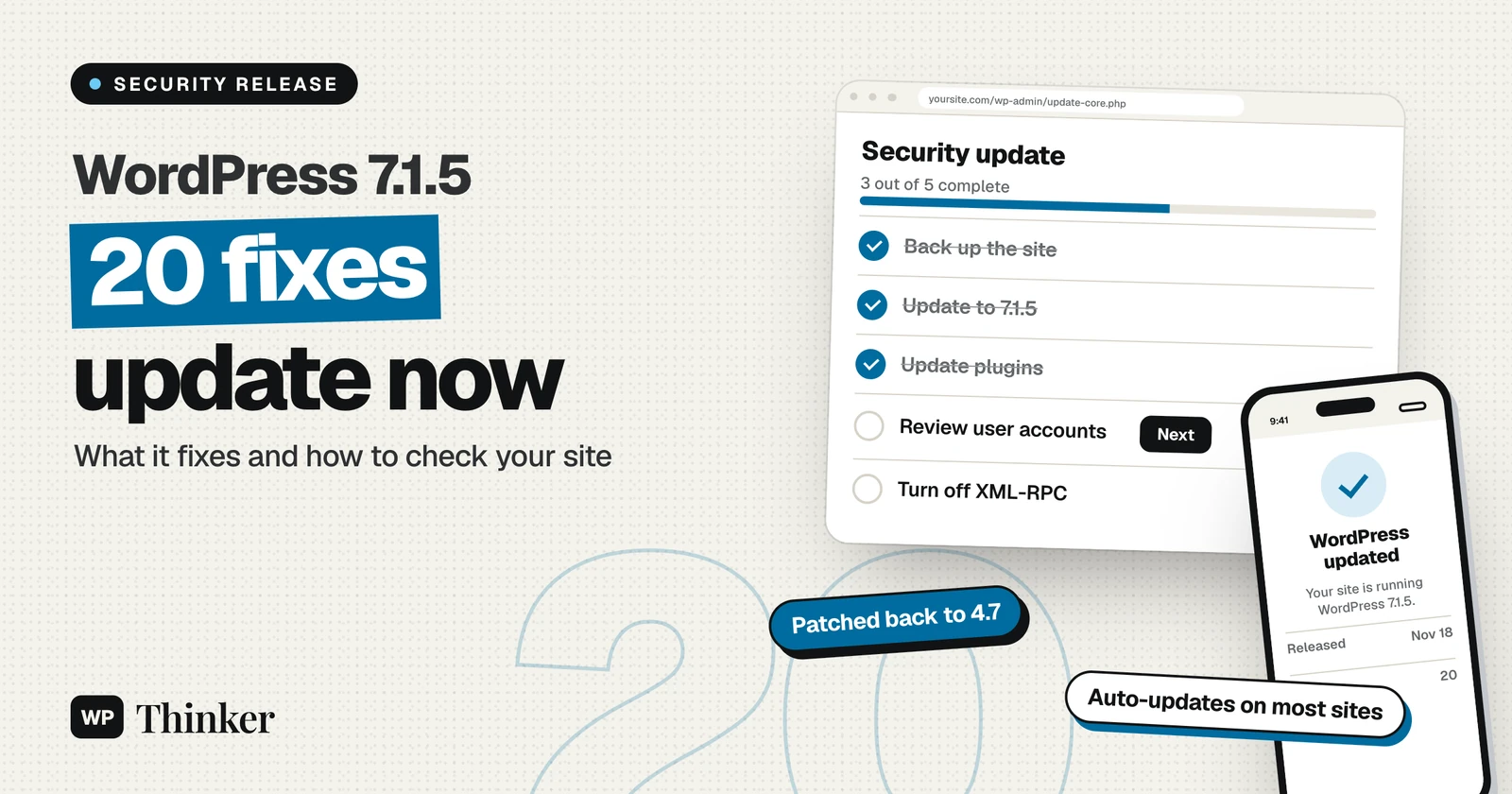
WordPress released WordPress 7.1.5 on November 18, 2026, and it's a security release with 20 fixes. The WordPress team says to update immediately, and for once we'd go further than the usual advice: a few of these issues can be started by someone with no account on your site at all. Below we explain what 7.1.5 fixes in plain English, which issues matter most, and how to confirm your site is updated.
This is the second WordPress security release in three weeks. WordPress 7.1.4 fixed 17 issues at the end of October, including the update flaw we covered in our CVE-2026-119977 guide. If you skipped that update, 7.1.5 includes those fixes too.
WordPress 7.1.5 at a Glance
| Detail | WordPress 7.1.5 |
|---|---|
| Release date | November 18, 2026 |
| Type | Security release |
| Fixes | 20 (18 vulnerabilities and 2 hardening changes) |
| Older versions patched | Every branch back to WordPress 4.7 |
| Next major release | WordPress 7.2, planned for December 8, 2026 |
The full list is in the official WordPress 7.1.5 announcement. The split between 18 vulnerabilities and two hardening changes comes from Patchstack's analysis, which also lists what an attacker needs for each one.
The Most Serious Issues in 7.1.5
Not all 20 fixes carry the same risk. Most need an account on your site, like a contributor or editor login. These are the ones we'd worry about first, because they start with someone who isn't logged in.
Template Part Privilege Escalation
This is the headline fix. It's a bug in how the block editor handles Template Part blocks. WordPress says it could lead to remote code execution. That means an attacker could run their own code on your server. According to Patchstack, the attacker doesn't need an account, but someone with editor access has to open the attacker's block content. The editor then sends requests to the wrong place using that user's login. With an admin login, that could reach the tools that install plugins.
In practice, this is the kind of issue that turns "I pasted some block markup from a website" into a hacked site. Updating closes it.
Stored XSS Through Comments
An attacker could hide a script inside a comment's shortcode attributes. Patchstack notes that it only runs on a page with the core Latest Comments block, but that block is common on blogs. Cross-site scripting, or XSS, lets an attacker run code in the browser of a visitor or an admin.
SQL Injection and Other Unauthenticated Issues
- SQL injection in
WP_Meta_Query: This is reachable without an account when a plugin or theme passes visitor input into a meta query, which some search and filter plugins do. - Denial of service through XML-RPC: Batched pingback requests could overload a site.
- Private taxonomy terms exposed: The REST API search endpoint could reveal private categories or terms.
- Reflected XSS in the old media library popup: This works if a logged-in user who can upload files clicks a crafted link.
- XSS through Openverse image metadata: This works if an editor inserts an attacker's image from Openverse.
The Other Fixes, by Who Can Exploit Them
The rest of the fixes need some level of access. They still matter on sites with several authors, membership sites and multisite networks.
| Who needs access | Issues fixed |
|---|---|
| Subscriber or higher | Commenter emails and IP addresses exposed through XML-RPC wp.getComments |
| Contributor or higher | Stored XSS through oEmbed responses, the Comment Date block, and media filenames when converting to a File block |
| Author or higher | Comment editing authorization bypass, and user email addresses exposed through the REST API |
| Editor or higher | Information exposed through post and template author assignment in the REST API |
| Administrator | SQL injection and stored XSS through Customizer previews, and on multisite, a path from site Administrator to Super Admin |
| A plugin or theme | XSS in wp_interactivity_data_wp_context() when untrusted input is used as the store namespace |
| Hardening only | A stricter JSON media type check, and removal of the dead Imgur embed variation |
How to Update to WordPress 7.1.5
Most sites will already have it. WordPress installs minor and security releases automatically by default, so check before you do anything.
- Log in to your dashboard and go to Dashboard → Updates.
- If you see "You have the latest version of WordPress," you're on 7.1.5 and there's nothing more to do.
- If an update is offered, take a quick backup and click Update to version 7.1.5.
- When it finishes, check your home page and a post to make sure everything loads.
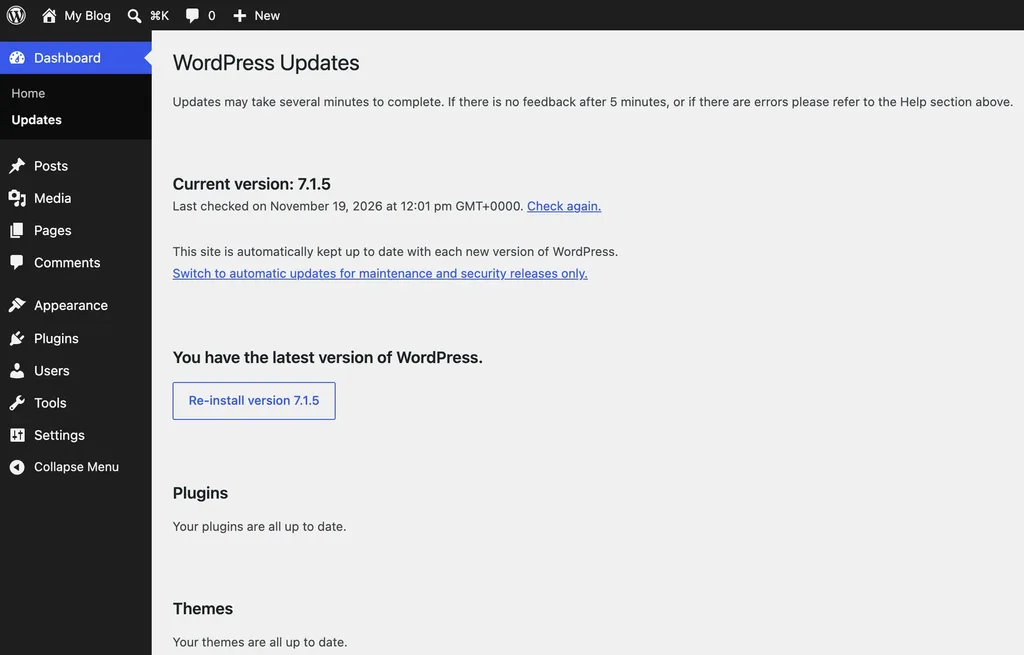
If you manage sites from the command line, run wp core version to check, and wp core update --minor to install the latest minor release without jumping to a new major version. Our full guide on how to update WordPress covers backups and what to do if an update fails.
If You're on an Older Version
The WordPress security team also added the fixes to older versions, all the way back to 4.7. According to the 7.1.5 release notes, these are some of the patched versions:
- WordPress 7.0: update to 7.0.9
- WordPress 6.9: update to 6.9.12
- WordPress 6.8: update to 6.8.13
- WordPress 4.7: update to 4.7.40
WordPress 4.6 and earlier get no security updates at all. Also remember that only the latest version is actively supported, so a backport is a safety net, not a reason to stay behind.
Extra Steps We'd Take This Week
Updating core is the main job, but a few extra minutes can close the gaps around it.
- Update plugins and themes too. Several of these fixes depend on what plugins do with visitor input, so keep everything current.
- Review user accounts. Remove old contributor, author and editor accounts you no longer need, and check for any administrator you don't recognize.
- Turn off XML-RPC if you don't use it. Most sites don't need it unless they use the mobile apps or Jetpack, and a security plugin can switch it off.
- Be careful with copied block content. Don't paste block markup from untrusted sources into the editor, especially on sites you haven't updated yet.
Our WordPress security checklist covers the rest of the basics, from two-factor login to backups.
WordPress 7.1.5 FAQs
Is WordPress 7.1.5 a security release?
Yes. WordPress 7.1.5 is a security release with 20 fixes, and WordPress recommends updating immediately.
Will WordPress 7.1.5 install automatically?
On most sites, yes. WordPress installs minor and security releases automatically unless your host or a plugin has turned that off. Check Dashboard → Updates to confirm.
Are the 7.1.5 vulnerabilities being exploited?
WordPress hasn't said that any of them are being exploited. The release notes don't include exploit details or CVE numbers either, but now that the patches are public, attackers can study them, so don't wait.
Does WordPress 7.2 include these fixes?
Yes. WordPress 7.2 Release Candidate 2 came out on the same day with all the applicable fixes. Our WordPress 7.2 guide covers what's coming on December 8.
Final Thoughts
WordPress 7.1.5 is a security release you shouldn't put off. It fixes 20 issues, and a few of them can be triggered by people with no account on your site. Check Dashboard → Updates today, update if you're not already on WordPress 7.1.5, and use the chance to tidy up old user accounts and outdated plugins.