Guides
How to Back Up and Restore a WordPress Site (Plugin & Manual Methods)
A tested, step-by-step guide to backing up and restoring WordPress, with UpdraftPlus screenshots and the manual phpMyAdmin and SFTP route for bad days.
Tag
9 articles
A tested, step-by-step guide to backing up and restoring WordPress, with UpdraftPlus screenshots and the manual phpMyAdmin and SFTP route for bad days.
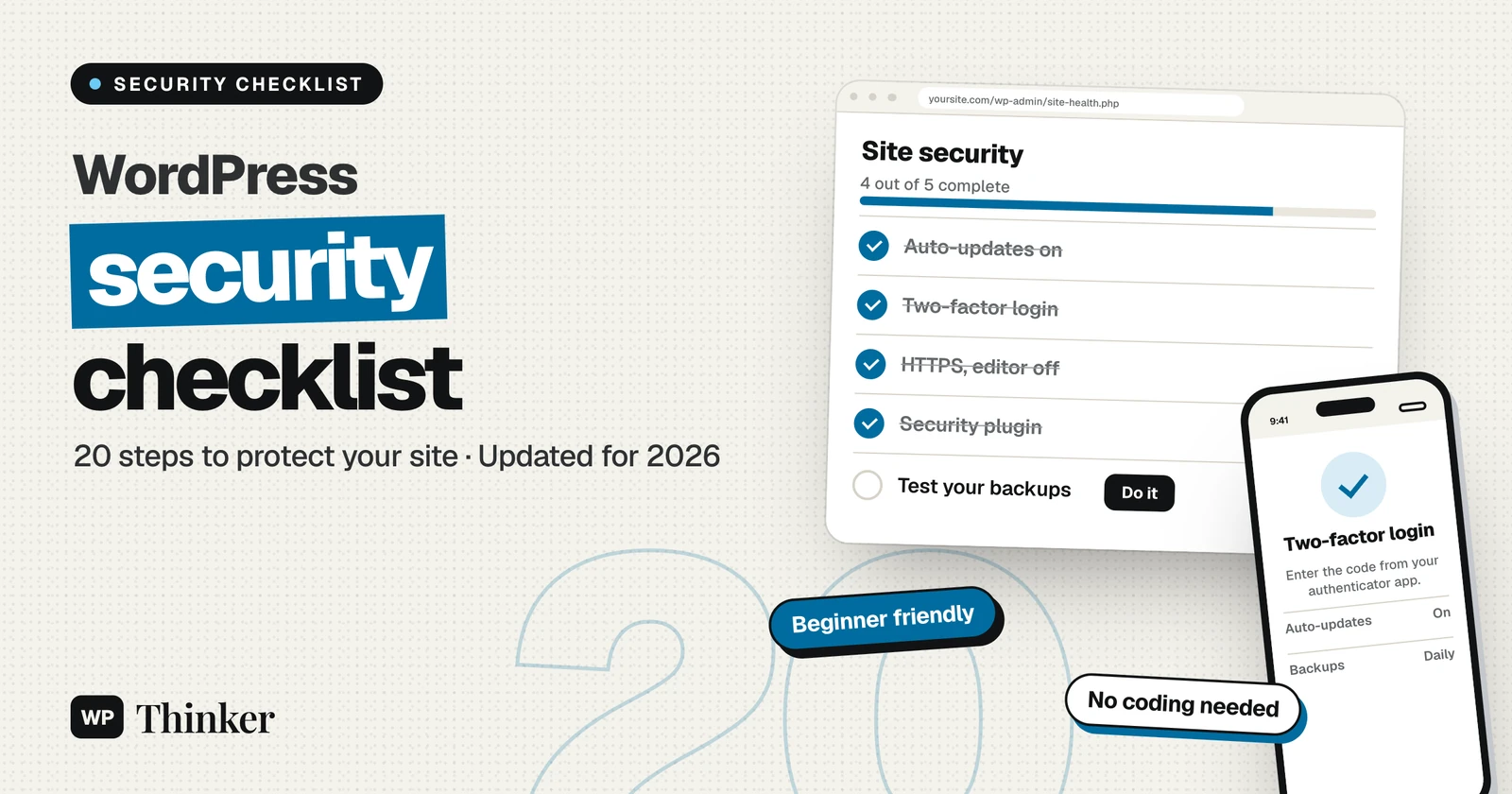
Twenty plain-English steps to lock down a WordPress site in 2026, from updates and two-factor login to Site Health checks and tested backups.
WordPress is a popular and capable CMS (Content Management System) that offers web publishing and hosting. The platform is not only free to use but also the first choice for bloggers. As such, it powers almost 40% of all the websites on the net. However, it isn’t a flawless platform. Despite being an open-source initiative,…
Backdoors on a WordPress website, or anything that has to do with code, can have terrifying results. Years of work, proprietary code, business, even your entire life’s work and/or reputation can be ruined in a matter of seconds. While this isn’t automatic and requires an individual to use the gathered information for nefarious purposes, it’s…
By default, the WordPress login URL will be example.com/wp-admin. But at times, you may want to change this because of uncontrollable hack attempts or numerous bots trying to guess your password by constantly trying different credentials. So, once you decide to change the WordPress login page, most of these problems could be resolved by returning…
Are you ready to start that blog, small business, or e-commerce website using WordPress? One of the major things you have to invest in is security. Dealing with spam and malware on your website can be avoided by taking the right actions. Although WordPress has some security measures put in place when you launch your…
WordPress is a complicated content management system. Even though you will not face any trouble with the system, sometimes you will have to fix things yourself to get the work done. Especially when it comes to the file and folder permissions, it is important to be aware of the do’s and don’t do’s. If you…
Got a problem maker who constantly shows up as a problematic guy and eating up your server resources? Here you go with Blocking his IP address from accessing your website. Put a full stop to this behavior. The problem may not be a single guy. A bot or website which constantly leeches all your bandwidth…
Protecting your admin folder from hackers is very important. They can steal your information even from a small security weakness. Older versions of WordPress were not able to protect you from this kind of attacks and the hackers used to access the admin folder and easily found the login credentials. The WordPress development team has…