So you've seen those slick Webflow sites, the ones with buttery scroll animations and layouts straight out of a design magazine, and now you're wondering if WordPress is yesterday's news. Can't blame you. Drop the words WordPress vs Webflow into any design group and, believe me, the comment section catches fire within minutes. Designers swear by Webflow. Bloggers and store owners? Most of them won't leave WordPress. Who's right? Honestly, both of them, just for different kinds of people. Let me show you where each one wins, where each one pinches, and what you'll actually pay in 2026.
Before we start, a word about me. I've been using WordPress since 2014, and today several of my own eCommerce websites run on it with WooCommerce. So yes, I know its good side and its moods too. For the Webflow side, I went through its pricing page, plan tables and help answers on 27 October 2026, and every Webflow number below is from that day.
Go with WordPress if you want the lowest running cost, the biggest choice of plugins, a proper blog, or a store that doesn't hand the platform a cut of your sales. Go with Webflow if you're a designer (or you're paying one), you want pixel-level control and built-in animations, and you'd happily pay from $15 a month per site, billed yearly, to never update a plugin again.
The Studio Test
Picture a photographer who needs a location for a shoot.
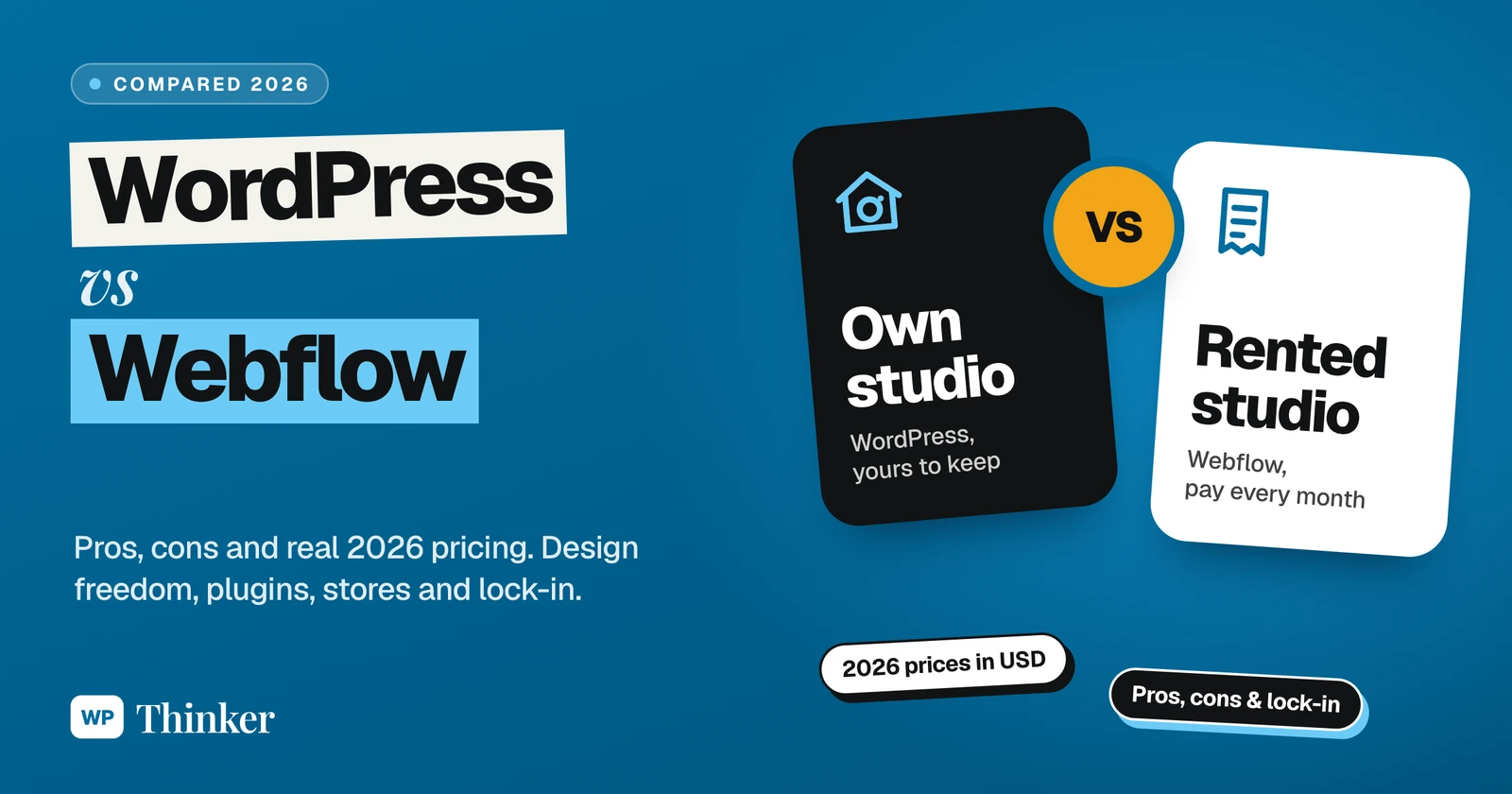
Webflow is renting a professional studio. Lights? Perfect. Backdrops? Ready. Roof leaking? Not your headache, somebody else comes and fixes it. You simply walk in and start photographing from the very first day. But rent is due every month without fail, the owner's rules apply, and the day you move out, only the prints go home with you, while the studio stays back.
WordPress is setting up your own studio at home. Every light, lens and backdrop is your decision, it costs considerably less over the years, and nobody can raise your rent or rewrite the rules on you. The catch? When a bulb fuses at midnight, it's your bulb.
WordPress vs Webflow in 2026: The Numbers
Here's how the two compared on 27 October 2026:
| WordPress | Webflow | |
|---|---|---|
| Share of all websites | 39.6% | 0.8% |
| Share among CMS sites | 58.3% | 1.2% |
| Where it can live | On any host you like | On Webflow, unless you export the code |
| Cheapest way onto your own domain | Hosting from about $2.49 a month on a long plan | Basic at $15 a month, billed yearly |
| Add-ons | 72,829 free plugins and 8,784 free themes | Its own Apps marketplace, plus custom code |
I took the usage shares from W3Techs and picked up the plugin and theme counts straight from the WordPress.org directory. Put simply, for every website on Webflow, there are approximately 50 on WordPress. That's a big difference, no? Does that make Webflow bad? Not at all, mind you, since it never tried to be everything for everyone; it's a professional design tool first, and a very good one.
Webflow Pricing in 2026: What Changed
Coming to the money, and this part needs a little attention, because Webflow bills on two levels: a Site plan for each website, and a Workspace plan for the account where you and your team build.
Also, if you've read an older comparison, you may remember plans called CMS and Business. When I opened Webflow's pricing page on 27 October 2026, the site plans looked like this:
- Starter, free: a webflow.io address, 2 static pages, 50 CMS items and 1 GB of bandwidth, which is fine for experimenting but not for a business.
- Basic, $15 a month billed yearly ($25 month to month): your own domain, 300 static pages and 10 GB of bandwidth, but no CMS, which means no blog.
- Premium, $25 a month billed yearly ($39 month to month): the CMS, with up to 20,000 items across 40 collections, plus site search and 50 GB of bandwidth. Another 50 GB adds $20 a month on yearly billing.
Want to sell? Then you need one of the separate Ecommerce plans. Standard is $29 a month billed yearly ($42 monthly), with 500 items and a 2% transaction fee. Plus costs $74 ($84) for 5,000 items and Advanced costs $212 ($235) for 15,000, and on both of those, the fee drops to 0%.
And the workspace? The free Starter workspace is enough to publish a paid site. Core is $19 a month billed yearly ($28 monthly) and adds code export, while Growth is $49 ($60). Bigger teams now get pointed to a new Team plan at $2,500 a month, on an annual contract.
Two small lines on that page deserve careful attention. Every price is per site, so three websites means three separate plans. And if your traffic crosses the bandwidth limit two months running, Webflow upgrades your plan automatically, which is good for safety and not so good for your credit card.
What WordPress Really Costs
The WordPress software costs nothing, not even a paisa; you pay for hosting, a domain, and any premium theme or plugin you decide to purchase.
Take Hostinger's Premium plan from our hosting comparison (checked on 26 October 2026). The headline price is $2.49 a month, but only when all 48 months are paid in one go, which means $119.52 upfront. A free domain for the first year comes along with it, and it can accommodate up to 3 websites. Once those four years are over, the renewal is $10.99 a month, so keep that in mind.
Want a store? WooCommerce is free as well, and it takes no commission on your sales; you only pay your payment gateway's fees. I've broken all of that down in how much WooCommerce costs.
The four-year maths
Let's put real numbers side by side for a small business website with a blog:
- WordPress on that Hostinger plan: about $120 for four years, plus domain renewals from year two.
- Webflow Premium on yearly billing: $1,200 for four years, and no free domain comes with it, so add one from day one.
- A Webflow store on Ecommerce Standard: $1,392 over four years, plus 2% of every sale. Sell $20,000 worth in a year, and that's another $400 a year to Webflow, on top of your Stripe or PayPal fees.
Sure, a WordPress website costs more once you add premium plugins or hire a developer, but on the platform bill alone, Webflow works out approximately ten times more expensive in this example.
Design: Where Webflow Really Shines
Now let me give Webflow its due, because on design, it's nothing short of brilliant.
The Webflow Designer is nothing but HTML and CSS with a visual face. You drop in boxes, play with flexbox or grid and style your classes, while real, clean code gets written underneath. Animations are built in too, and the newer interactions editor runs on GSAP, a well-known animation library. For a designer coming from Figma, it feels completely familiar.
The flip side? Don't expect the Wix-style drag-and-drop experience here. Never heard of padding or classes? Then honestly, the first few days will feel like an exhausting wrestling match. Webflow now leans on AI to soften that; its pricing page calls it an "AI-native platform", and one feature turns a text prompt into a starter site.
WordPress takes another road, where most people pick one of those 8,784 free themes, or a premium one, and shape it in the block editor. Want control right down to the pixel? Then a page builder (here are the best page builder plugins I'd look at) or a bit of custom CSS does the job.
Blogging and Content
WordPress began as a humble blogging script back in 2003, and honestly, it never forgot its roots. Fresh install, zero plugins, and you've still got categories, tags, multiple authors, scheduled posts, comments, revisions and RSS feeds ready to go.
Webflow keeps content in what it calls the CMS. You set up "collections" for things like blog posts, team members or case studies, then design one template per collection, and designers love this bit. One thing to note before you jump in, though. Basic gives you no CMS whatsoever, and Premium tops out at 20,000 items spread over 40 collections. Plenty for most business blogs, but a ceiling worth remembering if you're planning a big publishing site.
Plugins vs Apps
This is the biggest difference of all, believe me. Just the free directory on WordPress.org had 72,829 plugins when I looked. Need bookings, memberships, online courses or a forum? You'll usually find three or four options, a few of them completely free.
Webflow does have an Apps marketplace of its own, and on paid plans you can paste in custom code, so chat widgets, forms and analytics still work fine. The overall choice, though, is far smaller than what WordPress offers. To be fair, Webflow sees that as a feature, since fewer add-ons mean fewer things to update and fewer things to break.
Selling Online
Ask me about stores and my answer is WordPress with WooCommerce, which is exactly what several of my own online stores run on. There's no product limit, WooCommerce doesn't take a single rupee or dollar from your sales, and for payments, shipping or subscriptions, the list of extensions just keeps going.
Webflow's store side looks gorgeous, I'll admit. You design the cart and checkout the way you like, Stripe, PayPal and Apple Pay are all there, and it even works out the tax for you. But look at the item caps: 500, 5,000 or 15,000 products, variants and categories, depending on the plan. Add the 2% fee on Standard, and it's clearly made for small, design-led catalogues. Got a boutique with 40 handmade lamps? Perfect match, but for a shop with 8,000 variants, I'd think twice.
SEO: Will Webflow Rank You Higher?
Let me be honest, no platform ranks you on its own. Google mostly wants three things from a page: a solid answer to the searcher's question, a quick load, and some links pointing to it. WordPress can do that, and so can Webflow.
Pay for any Webflow site plan and the SEO basics are already in there. When I went down its feature table, I ticked off custom titles and meta descriptions, alt text, Open Graph settings, canonical tags, an auto-generated sitemap, schema and 301 redirects. Performance is rarely a problem either, because according to Webflow's own FAQ, its hosting sits on Cloudflare's CDN.
WordPress folks usually just add Yoast SEO. It parks itself below the editor and nags you about titles, schema, sitemaps and readability while you write, much like a strict school teacher with a red pen. How fast the site loads? That's down to your host and theme.
Security and Maintenance
Webflow comfortably wins this round on convenience. It's fully hosted, so there's no core to update and no plugins to patch, while SSL, backups and DDoS protection come with the plan.
With WordPress, that responsibility falls to you or your host: updates, decent hosting, regular backups and one of the best security plugins. And those hacked WordPress sites you read about? Dig in, and more often than not some old, forgotten plugin opened the door, not WordPress itself.
Can You Leave Webflow Later?
Most comparisons quietly skip this part, so let me be completely straight with you.
On a paid workspace plan (Core, from $19 a month billed yearly), you can export your site's HTML and CSS and host it anywhere. But Webflow's own FAQ says dynamic content has to be exported collection by collection, and forms stop working once you leave. Exported code can't be imported back into Webflow either.
Moving to WordPress is very doable, just not a one-click operation. So how do people actually make the jump? Each CMS collection comes out of Webflow as a CSV file, and those files go into WordPress through an importer like WP All Import (100,000+ active installs, last updated on 20 October 2026). Sadly, the design stays behind. You'll rebuild it with a theme or page builder, and every URL that changes gets a redirect. Walking away from WordPress is much simpler. Think of it as shifting house: you pack up your files and database (they were always yours) and pretty much any host will welcome them.
WordPress vs Webflow: Pros and Cons
WordPress, the good parts:
- the most economical to run over the years;
- 72,829 free plugins, so almost any feature is one search away;
- you own everything, store included, with no platform commission.
WordPress, the annoying parts:
- updates, backups and security are your responsibility (or your host's);
- want pixel-perfect design? You'll likely need a page builder or some CSS;
- go overboard with plugins and things get sluggish.
Webflow, the good parts:
- designers get genuine control over layout, typography and animation;
- hosting, SSL certificates and automatic backups are handled for you;
- far fewer moving parts to maintain.
Webflow, the annoying parts:
- it costs considerably more, and every website needs its own subscription;
- if you've never designed a website, the first week can be confusing;
- there are CMS and store limits, and moving out isn't quick.
So, Which One Should You Pick?
For most people reading WP Thinker (bloggers, small business owners, anyone selling online on a budget), my honest pick is WordPress. More affordable, more flexible, and it won't feel tight even when your business doubles. That said, if your designer lives and breathes Webflow, don't fight them, because a brilliant Webflow website beats an average WordPress website any day of the week. Still comparing? I've also put WordPress up against Wix and Squarespace, if you want a look.
Your Questions About WordPress vs Webflow
Is Webflow better than WordPress?
For design control and zero maintenance, yes. But on price, plugins, blogging and selling, WordPress mostly takes the lead. Who's building it, and what does the site need to do? That decides it.
Is Webflow pricier than WordPress?
Yes, in most cases. Webflow's Premium plan, the one with the CMS, costs $300 a year per site on yearly billing. Self-hosted WordPress on budget hosting? That costs a fraction of it, though premium plugins or a developer's bill will push it up.
Do I need to be a designer to use Webflow?
Not strictly. Just be ready to pick up a few designer habits first, since Webflow wants you to think in boxes, classes and layouts. Its free Webflow University lessons are genuinely helpful. Want a website up and running by this weekend? WordPress with a ready-made theme is considerably quicker.
My site's on Webflow. Can I switch to WordPress?
Yes. Export the CMS collections as CSVs, import them with WP All Import or a similar plugin, redo the design, and redirect the old URLs to the new ones. Some effort, sure, but nothing scary.
Summing Up
So, WordPress vs Webflow? Webflow is the rented professional studio: stunning, well run, and billed every month, under rules you don't set. WordPress is your own studio at home: a bit more work, much more economical over time, and entirely yours. Designers will love Webflow, while bloggers, store owners and anyone watching costs will usually be happier on WordPress.
That's all for now. Rented studio or your own, which one suits the way you work? Do let us know in the comment box below.