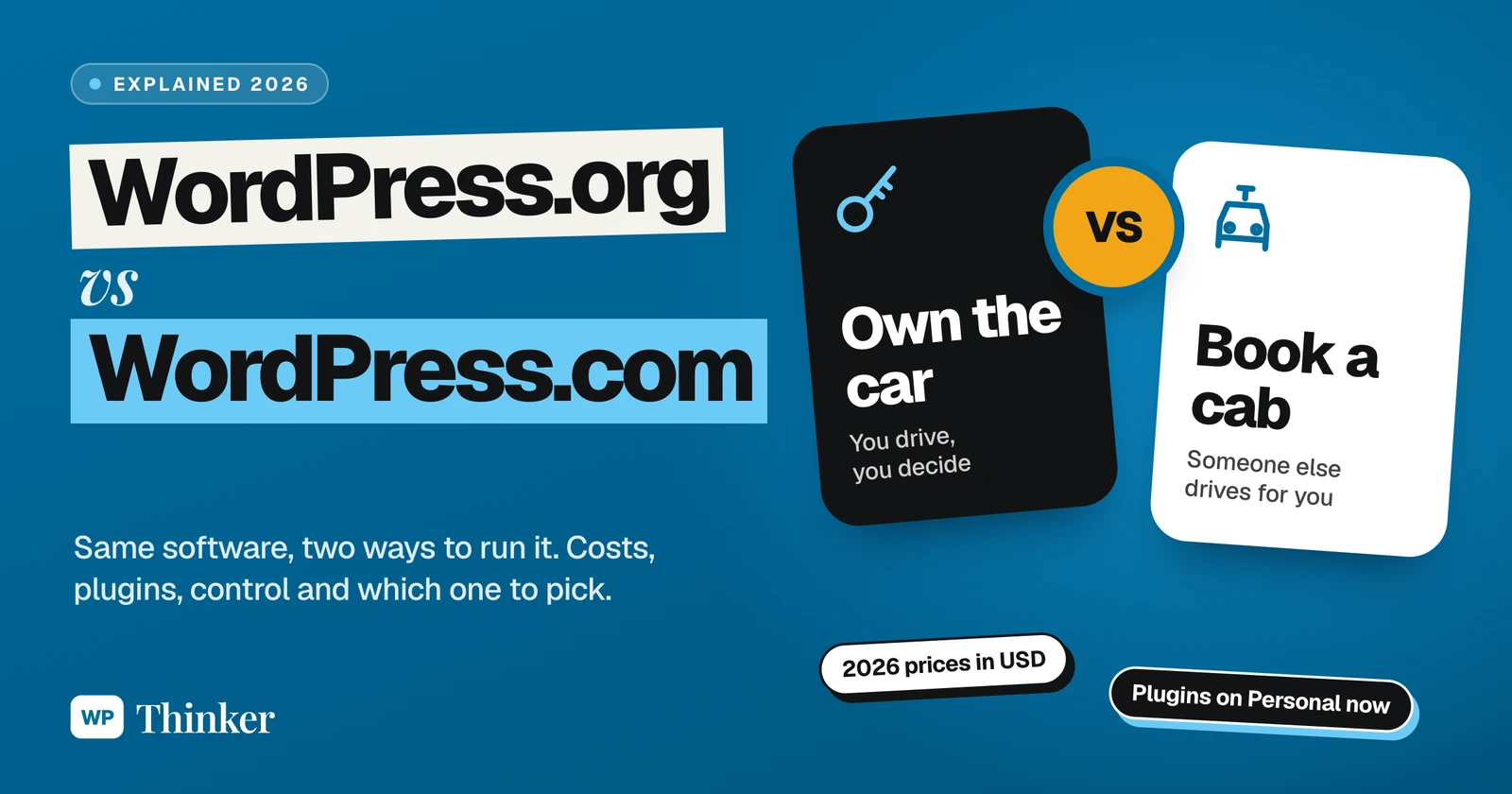
Honestly, I don't blame anyone for mixing these two up. WordPress.com vs WordPress.org: same name, almost the same logo, and the same software running underneath. And still, one of them bills you directly while the other has you paying some hosting company instead. Confusing, no? So which one is the "real" WordPress, and more importantly, which one is right for you?
A quick word about me before we start. I've used WordPress since 2014, and several of my own eCommerce websites run on WordPress with WooCommerce today. For the WordPress.com side, I went through its pricing page and plan details on 27 October 2026, and every price below is from that day.
WordPress.org is the free WordPress software that you install on your own hosting. You get full control, and you look after the site yourself. WordPress.com is a paid service from Automattic that runs that same software for you, with plans from free to $540 a year. Want zero technical work? WordPress.com is fine. Want the lowest long-term cost and total freedom? Go with WordPress.org on decent hosting.
The Cab Test: Same Engine, Two Ways to Ride
Think of WordPress as a car engine. A very good, very popular engine.
WordPress.com is booking a cab. Somebody else drives, fills the tank and gets the servicing done. You just sit in the back and tell it where to go. Want a bigger car with more boot space? Book a costlier category. Easy. But it's still their car, and there are things the driver simply won't let you do.
WordPress.org? That's buying your own car, same engine inside. Petrol is your expense now. Servicing too. And a flat tyre at 11 pm on the highway is, well, your problem. But you can drive wherever you like, fit whatever accessories you fancy, and no driver ever cancels on you.
Same engine. Different driver. Keep that in mind, because every difference below is really a question of who's driving.
So, What Is WordPress.org Exactly?
WordPress.org is where the WordPress software itself lives, free and open source. You don't really "sign up" there. You grab the software (most of the time your host installs it with one click anyway), and it runs on your own hosting, under your own domain. Not a single rupee or dollar goes to WordPress for it. Your bills are only hosting, a domain and whatever premium stuff you choose to buy.
When someone tells you "my site is on WordPress", this is usually what they mean. And it's everywhere: W3Techs puts WordPress on 39.6% of all websites, counting every way of hosting it. (Totally new to this? Start with our guide on what WordPress is.)
And What Is WordPress.com Then?
WordPress.com is nothing but WordPress served to you as a ready-made service. It's run by Automattic, the company founded by WordPress co-creator Matt Mullenweg. You create an account, choose a plan, and your website sits on their servers from day one. Hosting, updates, security, backups? They take care of it. On the free plan, your address looks like yoursite.wordpress.com. Pay for a plan, and you get your own domain, no ads and a lot more to play with.
Coming to the point: both run WordPress. What changes is who hosts it, who babysits it, and how free you are to do what you want.
WordPress.com vs WordPress.org at a Glance
| What you care about | WordPress.org | WordPress.com |
|---|---|---|
| Who runs the site | You, on your own hosting | Automattic |
| Software price | Free | Included in your plan |
| Yearly cost | Hosting plus a domain | $0 to $540 a year |
| Plugins | Any plugin, any time | From the Personal plan up |
| Server and code access | Full access | Business and Commerce plans only |
| Updates and backups | Your job (or your host's) | Done for you |
| Ads on your site | Only the ones you add | Shown on the free plan |
What WordPress.com Costs in 2026
Coming to the money. WordPress.com's own plans data showed these regular yearly prices in US dollars on 27 October 2026 (the pricing page shows your local currency, and when I opened it from India, it was also running a first-year discount):
- Free: $0, with 1 GB of storage, a wordpress.com address and WordPress.com ads shown to your visitors.
- Personal: $48 a year ($4 a month), with 6 GB of storage, a free domain for the first year, no ads, premium themes and plugins.
- Premium: $96 a year ($8 a month). You get 13 GB, and on top of Personal, payment buttons, premium stats and video uploads.
- Business: $300 a year ($25 a month). This one jumps to 50 GB and adds priority support, SFTP, SSH, WP-CLI and real-time backups.
- Commerce: $540 a year ($45 a month), with 50 GB of storage, everything in Business and the online-store features for selling in 60+ countries.
Paying for longer brings the price down. Personal was $99 for three years, and Premium $198 for three years.
One thing surprised me. Older guides all say you need the Business plan to install plugins. That's no longer true. In October 2026, WordPress.com listed plugins from the $48 Personal plan up, with "over 60,000 plugins" from its marketplace. That changes the maths quite a bit, so if you read an old comparison somewhere, keep this in mind.
What WordPress.org Really Costs
The software is free, but a site needs hosting and a domain. Taking Hostinger's Premium plan from our hosting comparison as the example (checked on 26 October 2026):
- $2.49 a month, but there's a catch: that's only if all 48 months are paid in one shot, which means $119.52 upfront;
- a free domain for the first year;
- up to 3 websites and 20 GB of storage;
- it renews at $10.99 a month afterwards.
Put the two side by side over four years. Self-hosted WordPress on that plan costs about $120. WordPress.com Personal costs $192 at the regular yearly price, and Business costs $1,200. Domains renew on top of both from year two. Want plugins and real control without paying Business prices? Self-hosting wins, and by a big margin. Just remember the renewal. Our true cost calculator shows what other hosts cost once the intro price ends.
Which One Is Easier?
WordPress.com, no question. You sign up with an email, pick a plan and start writing. There's no hosting to choose and no updates to run. Even backups happen without you thinking about them, and on the Business plan they're real-time.
WordPress.org asks for one extra evening of your life. Pick a host, buy a domain, click the installer (it really is one click with most hosts these days; our install guide covers the rest). And then? You land on the very same dashboard you'd see on WordPress.com. Same editor, same menus, same everything.
Plugins, Themes and Control
On WordPress.org, nothing is locked. All 72,829 free plugins and 8,784 free themes on WordPress.org (counted on 27 October 2026) are yours to use, along with any premium ones you buy. You can edit code, open the database, set up caching your way and pick any host on the planet. Our guide on installing plugins shows how simple that part is.
On WordPress.com, the free and paid plans behave very differently. The free plan has no plugins at all. Pay for Personal or anything above, and plugins come in, either from the WordPress.com marketplace or uploaded by you. But the techie stuff (SFTP, SSH, WP-CLI, GitHub deployments) stays locked until Business or Commerce. For most bloggers that's plenty. For developers, it means paying for Business just to get under the bonnet.
Making Money From Your Site
On WordPress.org, nobody puts up a barrier. AdSense or any other ad network, affiliate links, sponsored posts, paid memberships, a complete store with WooCommerce, take your pick. Several of my own eCommerce websites run on WooCommerce. Curious what a store really costs to run? I've broken it down in how much WooCommerce costs.
WordPress.com allows earning too, but in steps. Payment buttons start on Premium. The full store features need Commerce at $540 a year. And on the free plan, the only ads on your site are WordPress.com's own.
Updates, Security and Backups
This is where WordPress.com earns its fee. Automattic handles the servers, the WordPress updates, the security and the backups. You never log in to find an "update available" banner glaring at you.
With WordPress.org, those jobs are yours. Many hosts now do half of it (automatic updates, daily backups, a firewall), but you're still the one responsible. A good backup plugin and a security plugin cover the rest. Our lists of the best backup plugins and best security plugins will get you sorted in an afternoon.
Can You Move From WordPress.com to WordPress.org Later?
Yes, and it's not difficult. WordPress.com has a built-in export under Tools that gives you an XML file of your posts, pages and media links, which you can import into a self-hosted site. Want the whole site, design and all? WordPress.com's own support guide suggests a migration plugin for that. You'll need a plan that allows plugins.
A few things to watch:
- a theme bought only for WordPress.com may refuse to come along;
- still on a yoursite.wordpress.com address? You'll need a redirect, otherwise readers keep landing on the old site;
- my two cents: get your own domain from the very first day, and the move never changes your address.
So, Which One Would I Pick?
Go with WordPress.com when:
- all you want is a blog or a small site, and the word "server" makes you nervous;
- paying a yearly fee so somebody else worries about updates, security and backups sounds fair to you;
- Free or Personal already gives you everything you need.
Go with WordPress.org when:
- you want plugins and full control at the lowest cost over the years;
- money from the site matters, through ads, affiliates, memberships or a WooCommerce store;
- there's even a small chance you'll need code, server or database access someday.
For most people building something for the long run, I'd go with WordPress.org on good hosting. It's the setup I'd pick for a store. That said, WordPress.com has become far more flexible since plugins opened up on the Personal plan, so it's a genuinely fair option for a blogger who never wants to touch a server.
Still shopping around? I've also put WordPress side by side with Blogger and with Wix.
Your Questions About WordPress.com vs WordPress.org
Is WordPress.com free?
There's a free plan, yes, but it comes with strings. Your address is yoursite.wordpress.com, storage is 1 GB, plugins aren't allowed, and WordPress.com runs its own ads on your pages. Want those gone? Paid plans began at $48 a year when I checked in October 2026.
Do I have to pay to download WordPress.org?
Not a paisa. The software has always been free. What you do pay for is the hosting and the domain it runs on, plus premium themes or plugins if you go for any.
I'm new to all this. Which one should I start with?
If you never want to think about hosting or updates, WordPress.com is easier on day one. That said, most hosts now install WordPress.org in one click, and after that the dashboard is identical, so plenty of beginners start self-hosted without any trouble.
Can I use plugins on WordPress.com?
Yes, on paid plans. In October 2026, WordPress.com listed plugins from the Personal plan up. The free plan doesn't allow them. Server-level tools like SFTP and SSH still need Business or Commerce.
Will I need to learn coding for WordPress.org?
No, really, you won't. Themes, page builders and plugins do the heavy lifting for design and features. A bit of HTML or CSS comes in handy once in a while, I'll admit, but plenty of people run big sites without ever touching code.
What if I start on WordPress.com and want to move later?
Very much possible. The export option under Tools hands you a file of your content, and your self-hosted site can import it. If you want the design and settings to come along too, a migration plugin does that job, as WordPress.com's own help pages explain.
Summing Up
So, WordPress.com vs WordPress.org? It's the same engine either way. WordPress.com is the cab: comfortable, looked after, and pricier the bigger the car you book. WordPress.org is your own car: a little more responsibility, much lower running costs, and you can take it anywhere you please.
That's all for now. Cab or your own car, which one are you choosing? Do let us know in the comment box below.