Friday, October 23, 2026The WordPress PlaygroundFacebookXPinterest

Author · 202 articles

Milan

A WordPress lover and blogger. Have been writing about WordPress for the past few years and loves sharing his knowledge and findings to those who need help.

202 articles

Guides

How to Fix Sidebar Below Content Error in WordPress

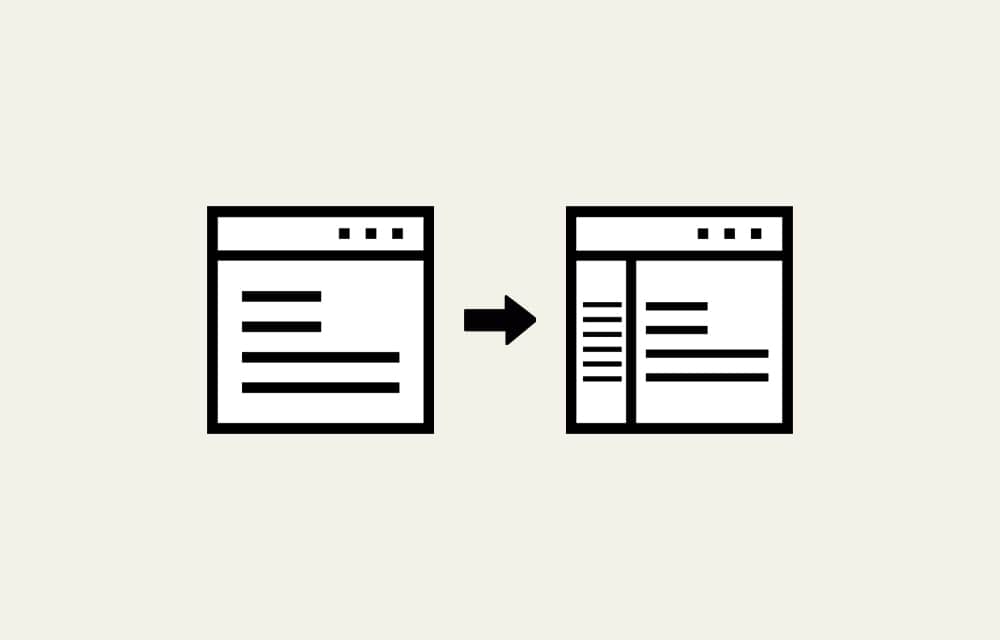
Though not every website uses them, sidebars are an essential part of WordPress. They serve as a way to highlight content or provide additional information. For instance, sidebars are often utilized to show calendars, posts archive, banners, links to other pages on the website, or advertisements for external products and services. This is great when…
Guides

How to Edit Theme in WordPress

Making changes to your WordPress theme is a common task. Yet, it’s an undertaking that can have negative visual and functional consequences, slow down your website, or even crash it, if done improperly. That makes it daunting, especially for beginners or anyone unfamiliar with HTML, CSS, PHP, and JavaScript. Given the popularity of page builder…

Guides

How to Fix “Failed to Open Stream” Error in WordPress

Saw the “Failed to open stream” error instead of your regular page or even the homepage? While unquestionably a reason for worry, it might not be as devastating as you think. The examples below show WordPress will do its best to locate the source, down to the line, and problematic symbol or phrase. Even if…

Guides

How to Redirect a Page in WordPress

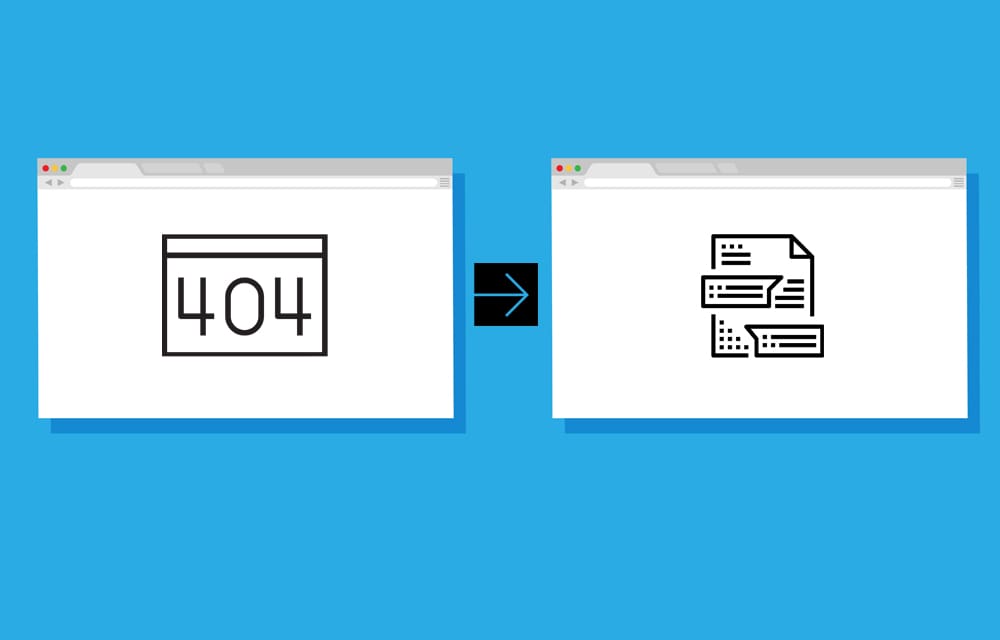
Redirecting visitors and search engines from one page to another is crucial for WordPress websites. To be frank, this practice is pivotal for just about any resource on the World Wide Web. It points visitors and search engines alike to the intended URL (Uniform Resource Locator). As you can probably guess, non-functional URL results in…

Guides

How to Fix “Missing a Temporary Folder” Error in WordPress

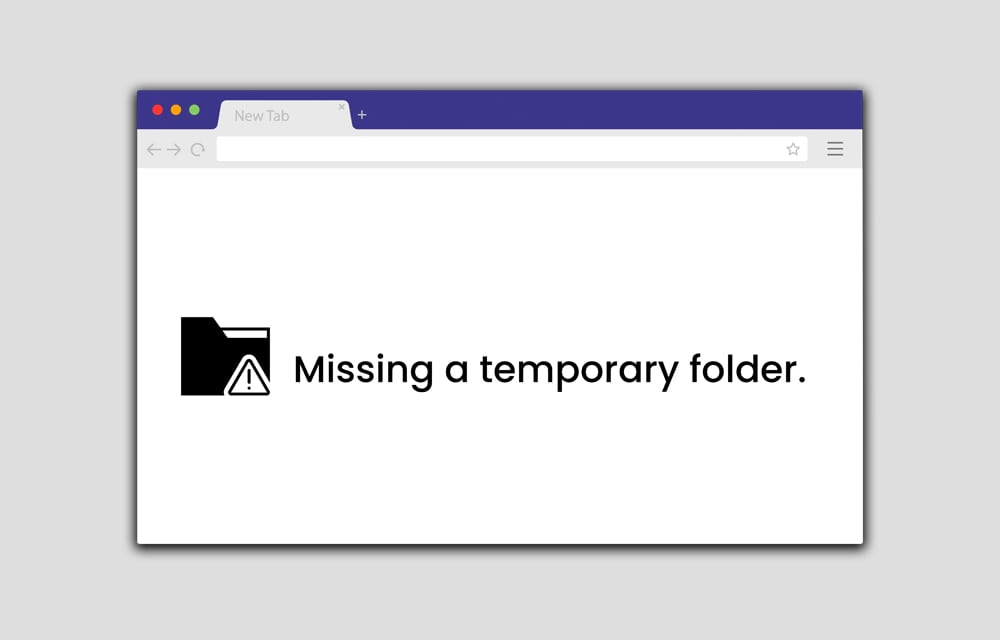
Saw the “Missing a temporary folder” error pop up while trying to upload files to your WordPress website? Don’t panic. Though not common, the message is known to appear shortly after you’ve tweaked the source files on your website or uploaded files to your Media Library. Even if you haven’t, any changes to the Media…

Guides

How to Fix “Comments Are Closed” in WordPress

The “Comments are closed” message tends to appear on WordPress websites occasionally. Though we frequently suggest you turn off comments in WordPress, we have no complaints with owners that don’t. Turning comments on will become a far more frequent activity among webmasters in the future. It’s predicted that filtering and spam prevention tools that employ…

Guides

How to Perform Search and Replace in WordPress

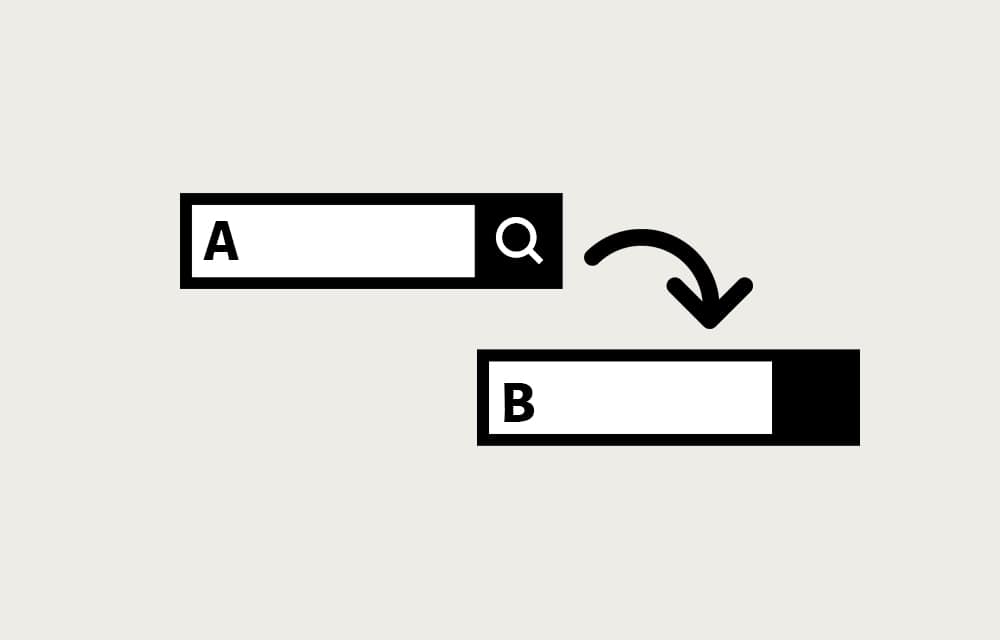
Searching and replacing in WordPress has everything to do with a database. After all, that’s where the essential data is stored. It is simultaneously the place from which the information is called upon request. Since you never want your website to be stagnant, updating is pretty much a daily thing. Not only adding stuff on…

Guides

How to Make a Page Homepage in WordPress

Making a captivating page your homepage in WordPress is pivotal—both several studies and logic support that. Without giving visitors a reason to stay, they’ll click off and likely actively avoid coming to your website again. Moreover, a great homepage plays a crucial role in SEO (Search Engine Optimization) because it contains necessary URLs to various…

Guides

How to Remove Unused CSS in WordPress

CSS (Cascading Style Sheets) determines the styling of web pages, but some parts become unused after a while. This is a normal part of owning a website. With updates to the visual appearance or functionality, some elements stop getting utilized, yet owners forget to erase them. What’s more, some CSS rules were never called. This…

Guides

How to Replace an Image in WordPress

You undoubtedly had to replace an image you uploaded to WordPress in the past. After all, images are a crucial part of multimedia and, by proxy, websites created in WordPress and any other CMS (Content Management System). We bet you tried the logical route — delete an old image, upload a new one with an…

Guides

How to Edit CSS in WordPress

CSS (Cascading Style Sheets) is the style sheets language that defines the visual appearance of web pages. We say primary because HTML (HyperText Markup Language) is also capable, albeit not to that extent. Plus, the practice was actively discouraged since late 1997, following the release of HTML 4. Although the ability to install WordPress themes…

Guides

How to Remove Sidebar in WordPress

Sidebar is a useful feature to WordPress website owners and visitors alike. It aids navigation and marketing, as it usually contains useful shortcuts to various areas of the site or a list of most recent or most popular posts or pages. In many cases, it’s also a way to show advertisements, set up a mailing…