Friday, October 23, 2026The WordPress PlaygroundFacebookXPinterest

Author · 202 articles

Milan

A WordPress lover and blogger. Have been writing about WordPress for the past few years and loves sharing his knowledge and findings to those who need help.

202 articles

Guides

How to Highlight Author’s Comments in WordPress

Do you want to make the author’s comments stand out on your WordPress website? No wonder—highlighting these comments has several benefits. Users will easily see people in charge are not only active but interested in leaving prompt, comprehensive answers to inquiries. This facilitates user engagement, and ultimately builds a loyal user base. These visitors will…

Guides

How to Add IndexNow in WordPress

Have you heard of the possibility to employ IndexNow on your WordPress website? No wonder, since indexing is the basis of search engines, and thus a crucial part of getting your website to rank high in search results. In case you weren’t aware, indexing to websites refers to the analysis of the website contents and…

Guides

How to Find and Fix a Backdoor in WordPress

Backdoors on a WordPress website, or anything that has to do with code, can have terrifying results. Years of work, proprietary code, business, even your entire life’s work and/or reputation can be ruined in a matter of seconds. While this isn’t automatic and requires an individual to use the gathered information for nefarious purposes, it’s…

Guides

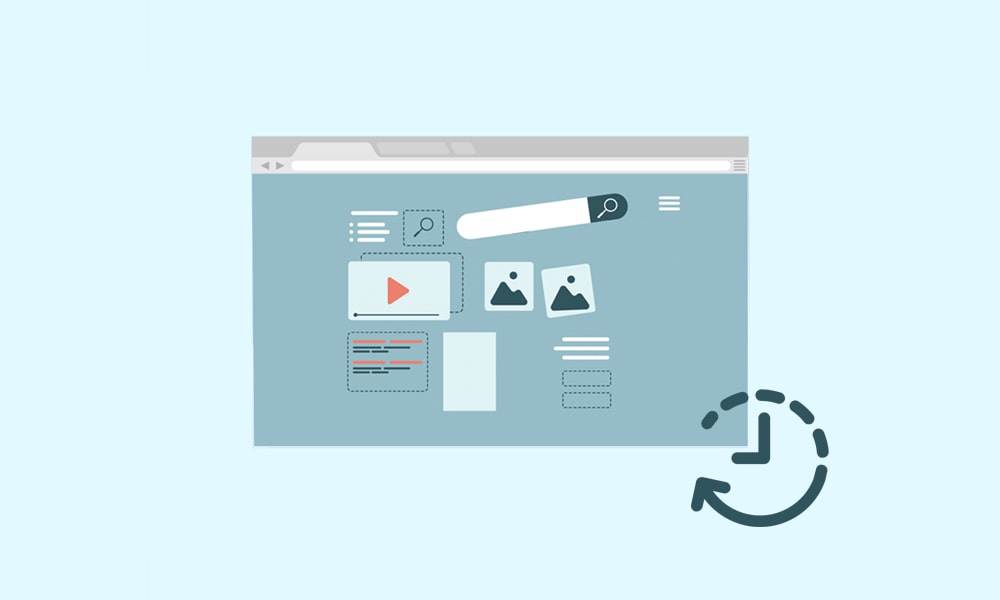
How to See Old Versions of WordPress Site

Need to see changes made to a WordPress-based site in the past? Regardless of if you were behind them or an unrelated person, we can see several reasons you want to do so. Although people suggest not looking back, introspection is a powerful tool, and lets you learn from past mistakes or reformulate the work…

Guides

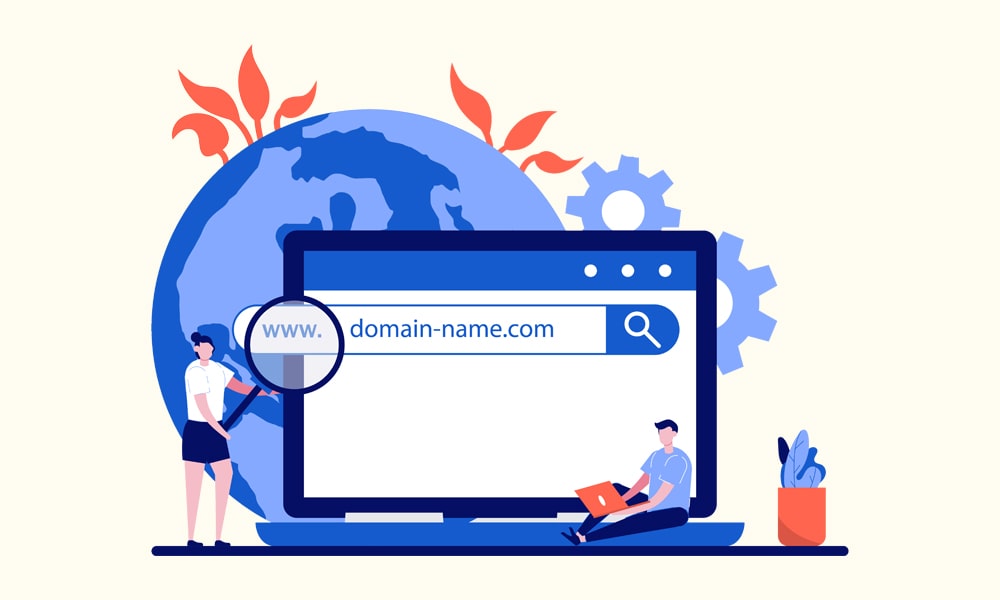
What is DNS

DNS or Domain Name System is a term commonly mentioned on the Internet and for a good reason. It is a crucial part of the Internet or any network based on the IP (Internet Protocol) and has been in use starting in 1985. Many people describe it as the Internet’s phone book, and you’ll quickly…

Guides

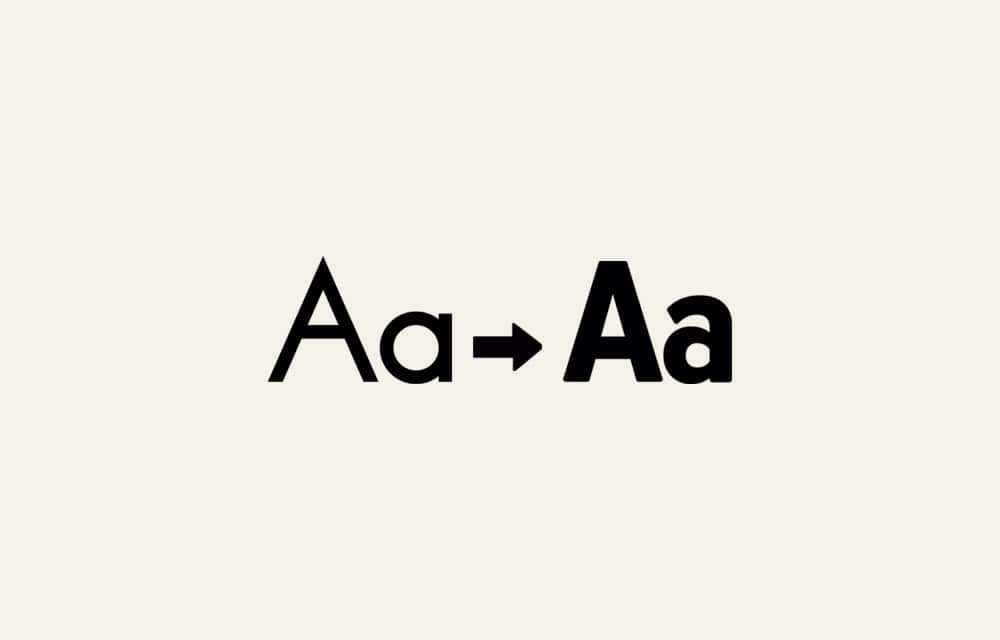
How to Change Font in WordPress

Decided to overhaul your WordPress website by changing the font for your content? Regardless of what you seek to achieve, the switch should be handled carefully. That’s because improper actions can affect the appearance, speed, and User eXperience (UX) design of websites or individual pages negatively. Fonts represent the basis of web pages. Further, they…

Guides

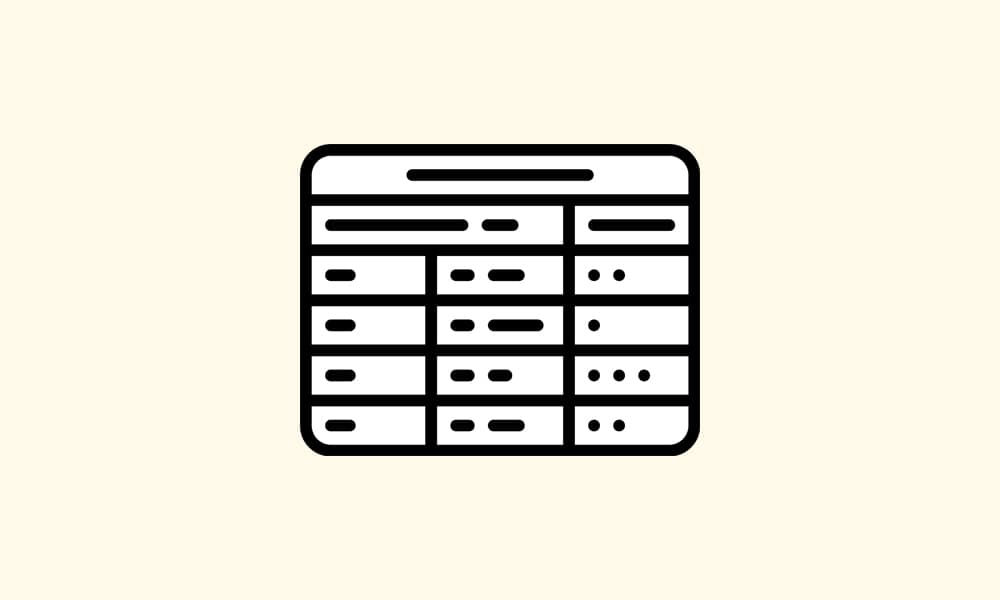
How to Create Tables in WordPress

Tables are a well-known method of organizing information and are crucial for WordPress. Not only does the database for this CMS (Content Management System) consist of several large tables, but also leaves you the option to add yours. Without tables, your data would be stored elsewhere, likely on the web page itself. However, that’s a…

Guides

How to Access Database in WordPress

Need to enter the database tied to your WordPress website? No wonder, since it stores data your website needs to function. It’s also essential for organization, i.e., the structure of user data, site, plugin, and theme settings, as well as pages, posts, and various content. Finally, it’s pivotal to your website loading speed. When a…

Guides

How to Add Google Maps in WordPress

Google Maps is a widely used web platform for mapping that integrates well with WordPress websites. The best thing—the service is entirely free. Additionally, thanks to the generosity of Google, it lets millions of people view ultra-detailed maps and satellite imagery. Not only in 2D, but also interactive Street Mode in 360°, aerial photography, and…

Guides

How to Activate Gutenberg Editor in WordPress

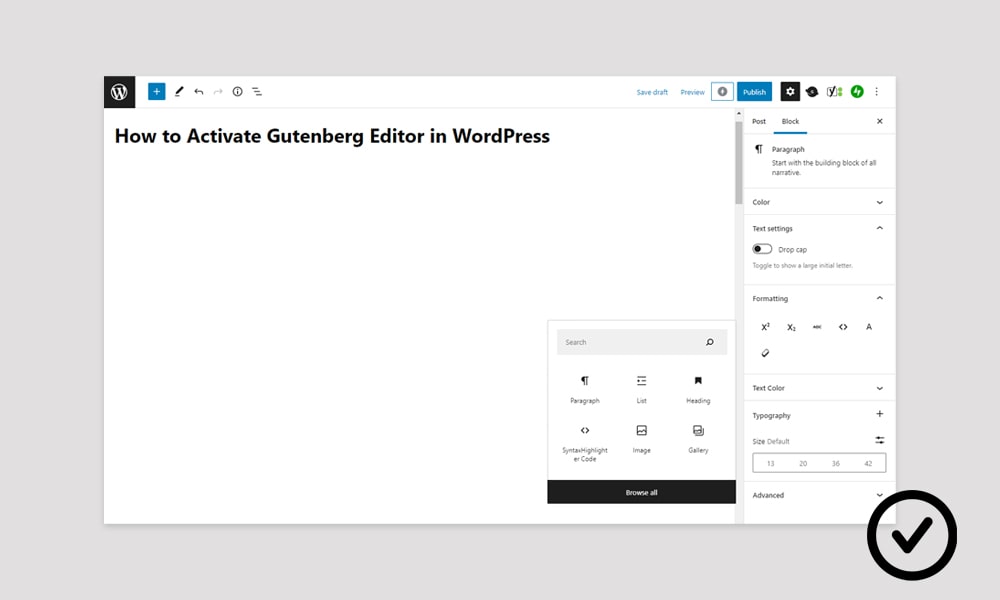
Gutenberg Editor, also known as Block Editor, the primary way to edit WordPress posts and pages, doesn’t always activate by default. This situation is rare, though. It’s caused by a conflict with third-party plugins and themes in nearly all cases. Moreover, incompatibility with files on your WordPress website can be the culprit. However, solving the…

Guides

How to Access .htaccess File in WordPress

Need to check, edit, or replace the .htaccess file on your WordPress website? We assume you want to block a specific IP address from accessing your website or some sections. Or, are you, perhaps, rewriting URLs or altering the structure of permalinks? Setting up permanent (301) redirects or trying to force SSL (Secure Sockets Layer)…

Guides

How to Activate Maintenance Mode in WordPress

Maintenance Mode refers to a term for special state owners can put their WordPress website in. It’s self-explanatory to a degree, as it does exactly that—let you maintain your website. Consequently, the website stays online, preserving uptime, and remains accessible to admins, writers, designers, or editors. However, regular visitors or anyone you decide is forbidden…