
Friday, October 23, 2026The WordPress PlaygroundFacebookXPinterest

Tag

Database

5 articles

Guides

How to Access Database in WordPress

Need to enter the database tied to your WordPress website? No wonder, since it stores data your website needs to function. It’s also essential for organization, i.e., the structure of user data, site, plugin, and theme settings, as well as pages, posts, and various content. Finally, it’s pivotal to your website loading speed. When a…

Guides

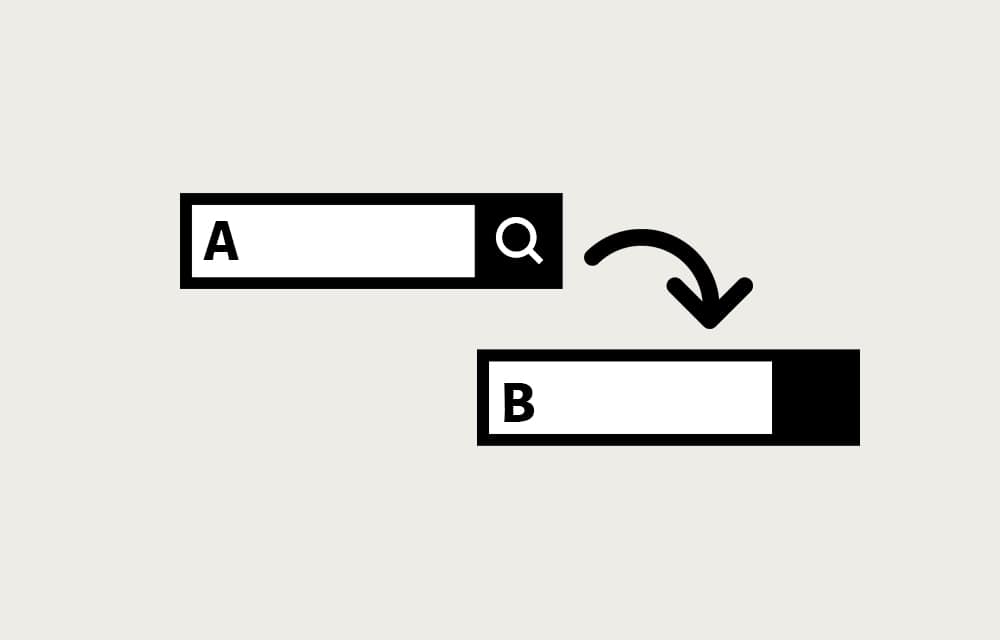
How to Perform Search and Replace in WordPress

Searching and replacing in WordPress has everything to do with a database. After all, that’s where the essential data is stored. It is simultaneously the place from which the information is called upon request. Since you never want your website to be stagnant, updating is pretty much a daily thing. Not only adding stuff on…

Guides

How to Create a Database in MariaDB

MariaDB is a free open-source software for managing relational databases. It’s guaranteed to stay that way, too, since it’s owned by a non-profit organization, MariaDB Foundation, which relies on community sponsorships. That’s precisely why it was created as a fork of MySQL; the original developers feared what would happen to MySQL after Oracle Corporation acquired…

Guides

How to Create a Database using phpMyAdmin

Databases are one of the building blocks of WordPress. They provide a way to not only store lots of information in one place but organize it into tables, sorted into columns and rows. A database can contain a single table, hence the name “flat-file database”, or be linked or exist alongside other tables, in which…

Guides

Change WordPress Theme from Database

The WordPress theme management usually takes place in the WordPress backend in the Appearance > Themes. However, in some situations, this may not be possible. For example, just after a WordPress update, or you updated your WordPress theme, your site may go all blank, and you realize that you no longer have access to the…