Friday, October 23, 2026The WordPress PlaygroundFacebookXPinterest

Category

Guides

256 articles

Guides

How to Fix WordPress RSS Feed Errors

RSS feeds seem to be losing popularity. This is due to the social media networks, push notifications, mailing lists, and similar ways to stay updated. Luckily, their value didn’t decrease, and there are still plenty of users who rely on RSS feeds to read news, updates, and podcasts. Now that you know their importance, besides…


Guides

How to Change Timezone in WordPress

Setting a timezone in WordPress has more benefits than simply telling the correct time in your country and city. The most obvious is the WordPress functions such as current_time or get_the_time that depend on it. These are used for scheduling posts, and when set incorrectly, can lead to the dreaded missed scheduled post WordPress error.…

Guides

How to Disable URL Auto-Linking in WordPress Comments

WordPress automatically transforms plain text posted in comments into a URL (Uniform Resource Locator). That way anyone can click the link and be taken to the web address. While convenient, bots can spam your WordPress comment section with URLs to low-quality, shady, or straight-up illegal web resources. This can tank your Google ranking rapidly and…

Guides

How to Fix the 504 Gateway Timeout Error in WordPress

Faced the 504 Gateway Timeout error instead of the page you expected? It happened because the server you tried to contact could not fulfill the request. But why? The reason could be a plethora of things, hence why there are so many solutions. Luckily, this error, while terrifying when it does, happens much less often…

Guides

How to Hide Author in WordPress

There are a few reasons you’d want to conceal the author’s name on WordPress blog posts. Sadly, WordPress doesn’t offer a built-in way to do that, hence why many hesitate. We’re here to tell you that you shouldn’t, as the steps are relatively easy and can be permanent if done right. Plus, if you go…

Guides

How to Fix 503 Service Unavailable Error in WordPress

Saw the “503 Service Unavailable“ message in place of website content? Don’t worry, it might not be permanent. But if a minute or two passes, and the message persists, you shouldn’t hesitate further. Hoping it goes away on its own can cost you visitors, and even search results ranking. To put it simply, the issue…

Guides

How to Fix Error Too Many Redirects Issue in WordPress

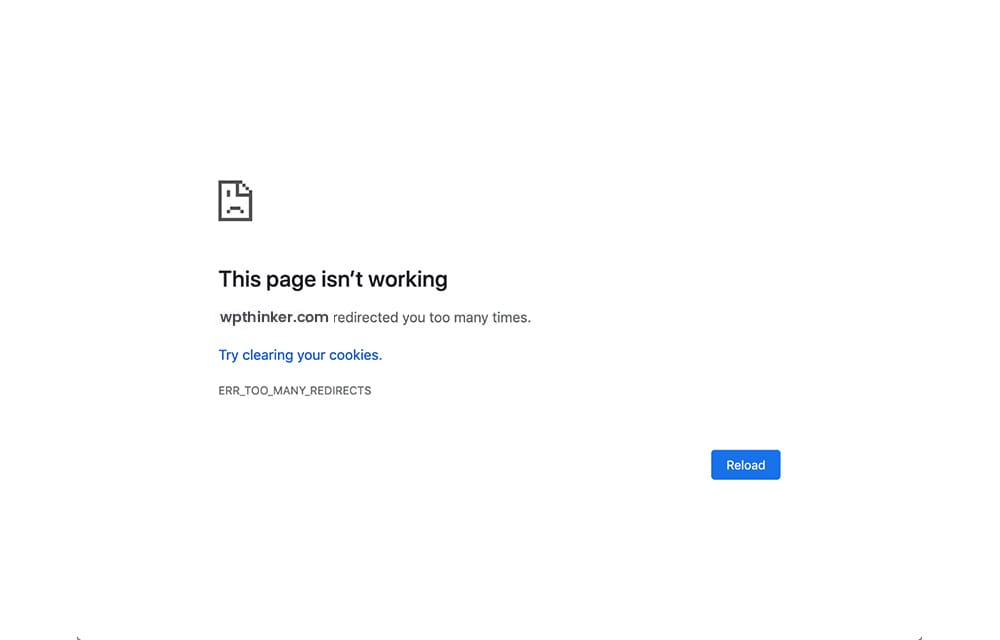
Got a “This page isn’t redirecting properly” or “This page isn’t working. url.com redirected you too many times” error? Maybe you only received an ERR_TOO_MANY_REDIRECTS warning? We aren’t happy it happened to you, but a tiny part of us is glad it did since you discovered us. Well, the issue obviously lies in a redirect…

Guides

How to Edit Header in WordPress

Decided to alter the top part of your WordPress website, e.g., header? Great! Headers can be used to improve the functionality of your website, with quick access icons, text, or drop-down menus. Also, some services such as Google Analytics require you to add code in the header for successful integration. In contrast, adding a logo…

Guides

How to Get Page ID in WordPress: 4 Methods

You’ll need to identify an ID for a page every once in a while on a WordPress website. If you aren’t sure what it is, it’s a unique identifying number that corresponds to a specific item in your WordPress database, this time a page. The way it works is kind of obvious – you’ll point…

Guides

How to Fix WordPress Not Sending Email Issue

Created a contact form, but you’re no longer receiving WordPress notifications to the e-mail address tied to the WordPress Admin Section account? The default function responsible, PHP mail(), is the cause. It earned a bad reputation because people abuse it for spamming or e-mail scamming. Consequently, email service providers have filters in place to block…

Guides

How to Remove Credits Footer in WordPress

Scrolled to the bottom of your website and saw a message that reads “Proudly Powered by WordPress.”? It’s there for a reason. You’re giving credit to WordPress with an external link for providing their content management system (CMS). However, even though millions use WordPress, it can still look unprofessional. For one, many would think you…

Guides

How to Anchor Links in WordPress

Anchor tags are a great way to improve the user experience on your WordPress website. To give you an idea, we’ll mention the table of contents. You must’ve seen one appear in WordPress posts. Once an entry in the table is clicked or tapped, users are automatically taken to a corresponding section in the text…