Saturday, October 24, 2026The WordPress PlaygroundFacebookXPinterest

Category

Guides

256 articles

Guides

How to Minimize Redirects in WordPress

Although WordPress is resilient against poorly entered URLs and dead links, you shouldn’t be careless. Poor redirection might not always break your website, but can significantly impact your website SEO. Additionally, it can cause your page speed to take a nosedive, sending even the most loyal visitors away. Finally, even if the URL or WordPress…


Guides

How to Make a Quiz Website in WordPress

Quiz websites, besides providing lots of fun, education, engagement, and intrigue, also have other uses. One of them is the ability to gain and retain an audience at a steady rate, with the chance of the quiz going viral. Take BuzzFeed quiz for example – it became a category on its own and popularized the…

Guides

How to Change Theme Name in WordPress

Installing a WordPress theme is among the first things a new WordPress website owner considers. A portion of owners uses third-party themes while the other creates a theme from scratch. Users who are both experienced and aware of who owns WordPress, simply modify themes (and templates) freely. They pick a solid theme as a foundation,…

Guides

How to Make Money in WordPress

Using WordPress as the backbone of your website is a popular way to earn an income. After all, nearly 40% of all websites on the Internet use WordPress in 2021, a growth of approximately 12% compared to 2016. Moreover, stats show that this CMS (Content Management System) powers about 38% of the top 10,000 websites…

Guides

How to Force SSL in WordPress

Transitioning your WordPress website from HTTP to HTTPS has plenty of benefits. For one, it will remove that “Not secure” message next to the website URL in your browser. Additionally, it will begin encrypting sensitive information, making logging into WordPress and processing payments more secure. For that reason, it’s mandatory for using any payment plugins…

Guides

How to Debug in WordPress

Every developer knows code is never perfect. Even at its best, it can be tweaked and optimized. In contrast, code can be riddled with bugs, syntax errors. typos, and generally poorly written and executed. This simultaneously causes nightmares for webmasters that use it. As a result, both groups need tools to catch errors and bugs…

Guides

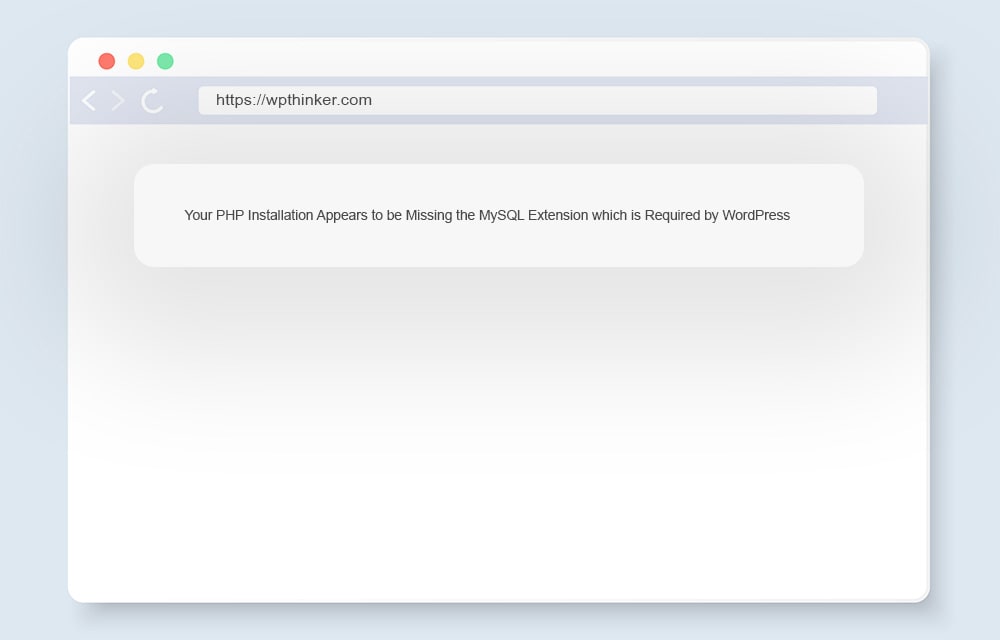
How to Fix “Your PHP Installation Appears to be Missing the MySQL Extension which is Required by WordPress” Error

Opened your website frontend and saw the “your PHP installation appears to be missing the MySQL extension which is required by WordPress” error message? Although things look grim, don’t panic. Unlike messages that manifest similarly such as s “This site is experiencing technical difficulties“, this one isn’t as tough to figure out with a little…

Guides

How to Update PHP in WordPress

Upgrading PHP to a newer version has multiple perks: speed and performance increase, resource usage reduction, support for newer functions, and most importantly, better security of your website. Unfortunately, if some of the currently used functions aren’t supported by the newer PHP version, you run the risk of breaking your website. While that can be…

Guides

5 Killer Ways to Increase Website Speed

Boosting your website speed is a prerequisite to becoming a successful blogger. Research shows that just 1 second of delay in loading results in 11% fewer views, 7% conversion rate loss, and 16% customer satisfaction decrease. Also, a survey shows that over 47% of customers find 2 seconds or less to be the ideal website…

Guides

How to Serve Scaled Images in WordPress

Uploading properly scaled images can significantly boost the loading speed of your posts and pages. This in turn improves user experience, SEO rating, and reduces bounce rate, making your website more successful. Plus, there really is no reason to upload images that are larger than needed. You’d be wasting precious resources, primarily your limited storage…

Guides

How to Hide a Page in WordPress

There are plenty of reasons you’d want to restrict the visibility of a WordPress page. It can be due to privacy, the page not being relevant or ready for the public, or website design alterations. This ensures that the page content isn’t released to the public and read by visitors, and/or indexed by search engines.…

Guides

How to Hide Page Title in WordPress

There are plenty of reasons to conceal a title of a page, but the common ones include redundancy and design improvements of the installed WordPress theme. As an example, having Home, Contact Us, About, or Services titles on a page that already has it displayed in other ways or makes it obvious from the top…