Friday, October 23, 2026The WordPress PlaygroundFacebookXPinterest

Author · 202 articles

Milan

A WordPress lover and blogger. Have been writing about WordPress for the past few years and loves sharing his knowledge and findings to those who need help.

202 articles

Guides

How to Anchor Links in WordPress

Anchor tags are a great way to improve the user experience on your WordPress website. To give you an idea, we’ll mention the table of contents. You must’ve seen one appear in WordPress posts. Once an entry in the table is clicked or tapped, users are automatically taken to a corresponding section in the text…

Guides

How to Change Author Name in WordPress

Discovered that a WordPress post is showing the wrong author’s name? By this, we mean that the wrong name of the right author was displayed in the front end, or that a post was assigned to the wrong author. Also, there’s often a need to assign posts to a new author after a previous one…

Guides

What is a Slug in WordPress and How to Optimize it?

If you’ve used WordPress or heard about it, you must’ve also heard the term slug being mentioned. Obviously, it doesn’t represent a slimy creature in nature. Instead, we’re talking about a key part of Internet links, blogging, and SEO (Search Engine Optimization). As such, knowing and understanding it allows you to optimize it. After all,…

Guides

How to Change a Slug in WordPress

Don’t like the slug WordPress generated for you? Or, perhaps defined in the permalink structure part of the WordPress Admin Section or default .htaccess? For those that don’t know what we’re talking about, we answered what is a slug in WordPress. In short, it’s the part of your website URL that makes a page easily…

Guides

How to Duplicate a Post or Page in WordPress

Although you can copy and paste the contents of a page or post in WordPress, there’s much more to it. Tags, categories, metadata, permalink, structure, featured image and video, SEO settings, and other unique settings would have to be copied and pasted one by one. That’s way more work than it needs to be. So,…

Wordpress

What is WordPress Used For? (9 Common Applications)

Thinking of installing WordPress on hosting storage you own or plan to buy? That’s a great idea, although we’re biased, seeing as how we use WordPress too. Still, there’s no denying that this open-source Content Management System (CMS) is the right choice most of the time. But where does WordPress excel? That’s exactly the topic…

Guides

How to Find and Fix Broken Links in WordPress

Ran into broken or dead links on your WordPress website? They can certainly ruin the user experience. And not only that. Dead links fare terrible with SEO, and if left in that state, can severely hurt your rankings. For that reason, a solution must be found, and quickly. That’s where we run into trouble, however.…

Guides

How to Fix Broken Permalinks in WordPress

Facing the issue with broken permalinks on your WordPress website? While it might not be a big deal for the visitors, it’s a severe issue for the owner(s). Besides preventing people from reading your content, it can also hurt your website’s SEO and ranking. So, what causes broken permalinks in WordPress to appear? We can’t…

Guides

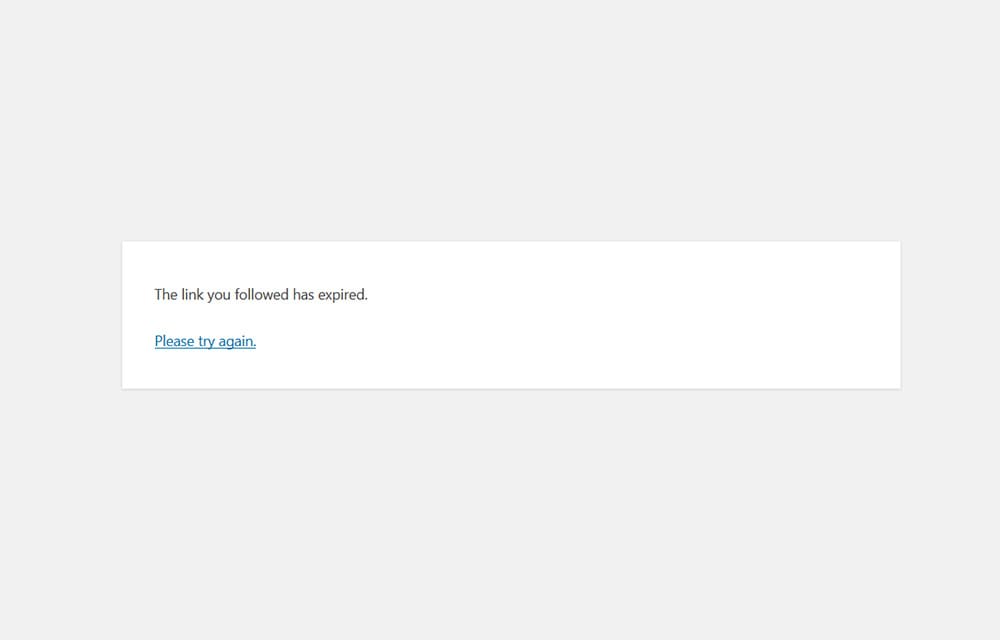
How to Fix “The link you followed has expired” Error in WordPress

Although common, “The link you followed has expired” WordPress error can take you by surprise. It often occurs when you try to save a draft, publish a post, or convert the post into Pending status. Another frequent cause for the error is uploading WordPress plugin or theme files using the WordPress Admin Dashboard. Regardless of…

Guides

How to Change Favicon in WordPress

Favicons are tiny icons you see next to the website name in your browser tab or browser bookmarks. They can also be used for shortcuts to websites on Android or iOS homepage or appear in search results on Google. As such, they help brand recognition and should look and feel professional. Most importantly, they should…

Guides

What is WordPress Favicon and How to Create It?

Have you heard of the term “favicon“ and wondered what people are referring to? Don’t fret, by the end of the article, we’ll tell you everything you need to know about favicons. It should be pretty obvious that it has something to do with icons since it’s in the name. As you’ll see below, that’s…